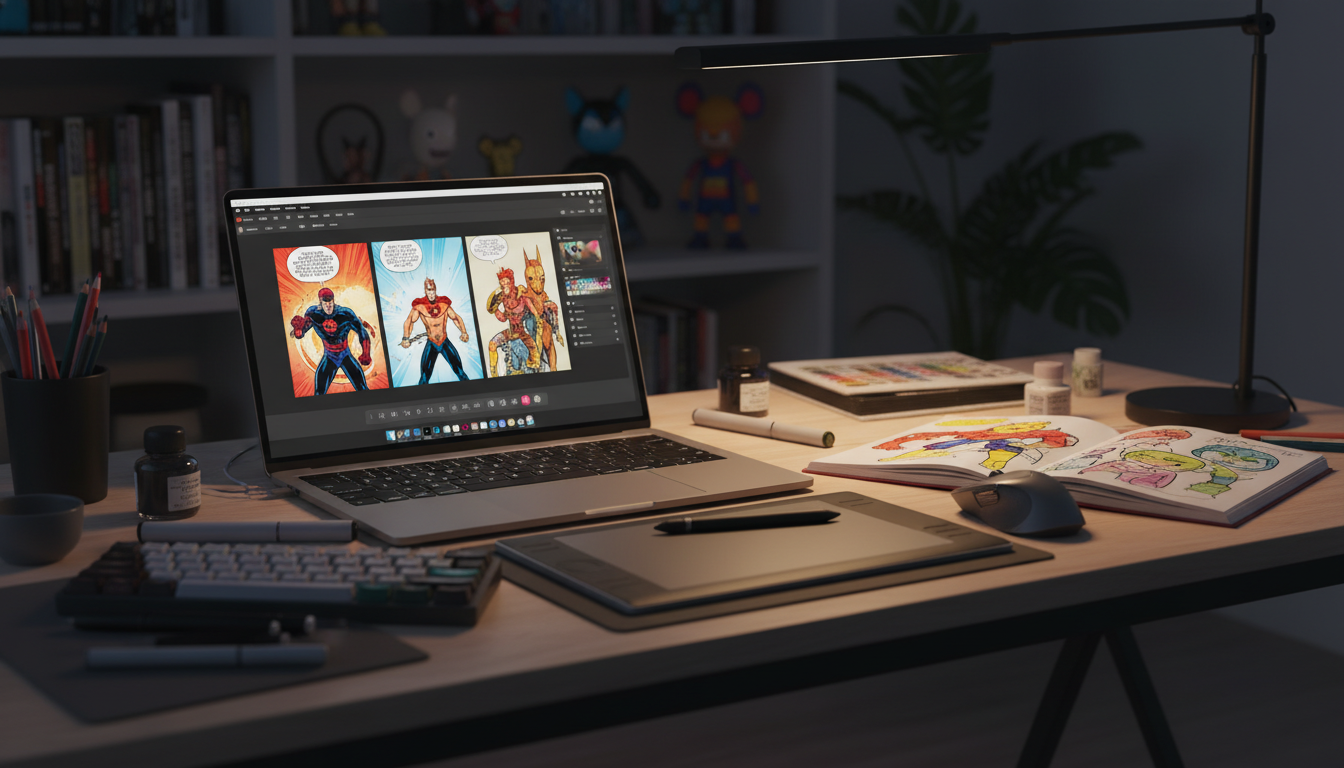
If you have ever wanted to turn an idea, memory, joke, brand story, or family adventure into a finished comic, a custom comic book maker is one of the fastest ways to do it. Instead of starting with a blank page, learning illustration from scratch, and wrestling with page layouts, you can use a purpose-built tool to build a comic with structured panels, characters, dialogue, pacing, and export options in a fraction of the time.
The best part is that modern tools are no longer just for experienced artists. Today, a strong custom comic book maker for beginners can help anyone create comics with guided workflows, built-in layouts, style controls, and printing options. That makes comic creation more accessible for hobbyists, parents, teachers, marketers, and creators who have excellent ideas but limited design experience.
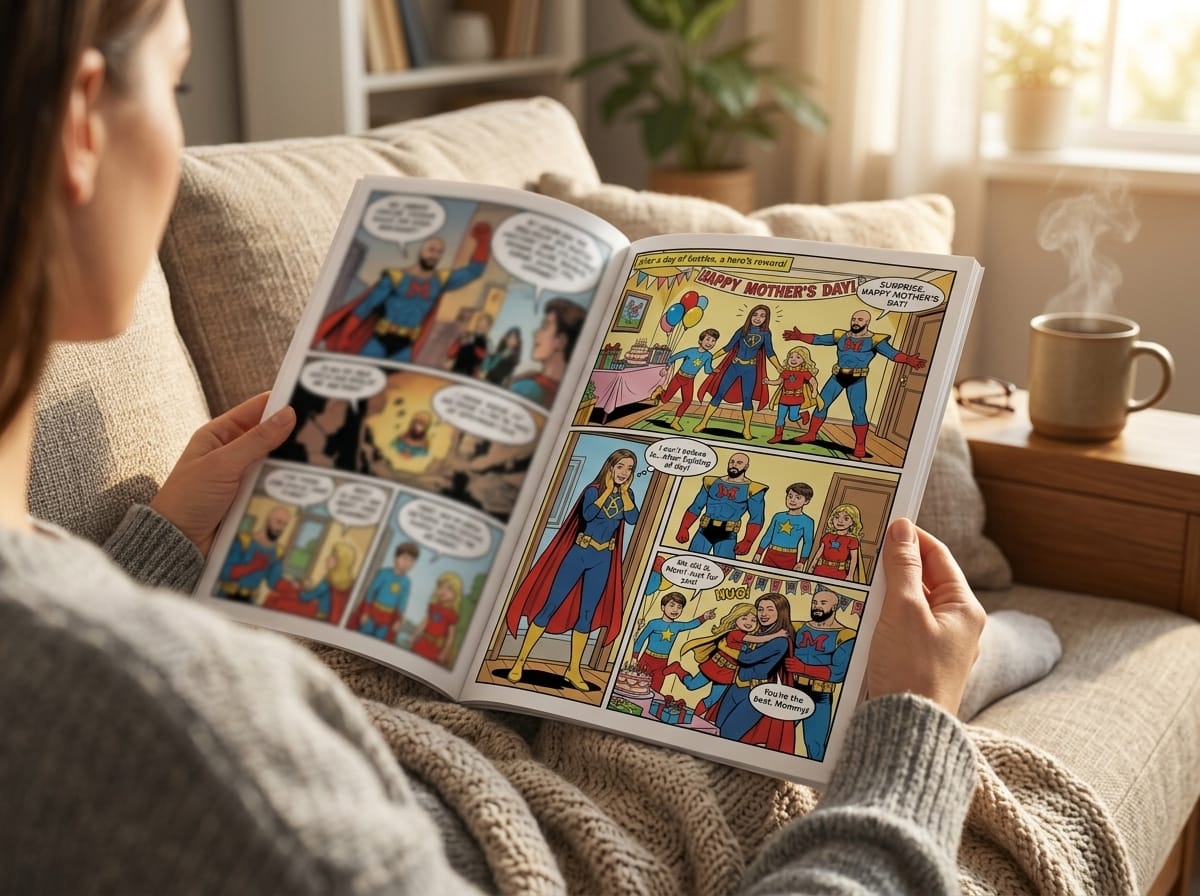
Platforms such as PersonalizedComics.com take this even further by letting you upload a photo, transform real people into comic characters, choose from 8 art styles, and generate complete comic pages with panels, speech bubbles, and sound effects in minutes. For many users, that is the difference between “I wish I could make a comic” and “I just finished one.”
Key takeaway
A great custom comic book maker removes technical friction. It helps you focus on story, pacing, characters, and presentation instead of spending weeks learning page construction tools from scratch.
What Is a Custom Comic Book Maker?
A custom comic book maker is a digital tool or platform that helps users design, edit, and publish personalized comic books. At its core, it combines story-building and page-design features into one workflow so that you can move from concept to finished comic without juggling multiple software products.
Most tools in this category include a mix of page templates, drag-and-drop panel layouts, text bubble controls, caption boxes, character design features, scene organization, and export settings. Some focus on manually arranging assets, while others use AI assistance to generate images, dialogue structure, or page composition based on your prompts and uploaded photos.
That flexibility is what makes the category so valuable. A beginner can use a custom comic book maker online to create a birthday gift or family keepsake. A teacher can build a classroom storytelling assignment. A marketer can turn a product narrative into a more engaging campaign asset. And an experienced creator can use one to speed up ideation, mockups, and production workflows.
What these tools usually include
Common building blocks inside a custom comic book maker
- Panel templates for single-page and multi-page layouts
- Speech bubbles, thought bubbles, captions, and sound effects
- Character creation or transformation tools
- Backgrounds, scenes, and visual style controls
- Cloud saving, revision options, and export formats
- Print-ready files or direct ordering for physical comics
In other words, a custom comic book maker is not just a drawing app. It is a storytelling production system built specifically for comics.
A useful way to think about it: a custom comic book maker turns comic creation from a specialist skill into a guided process. You still need an idea, but you no longer need to do everything manually.
Why Use a Custom Comic Book Maker Instead of Starting From Scratch?
Creating a comic manually can be rewarding, but it is also time-intensive. You need to decide on page dimensions, panel spacing, character consistency, font handling, dialogue placement, reading order, export specs, and often print formatting. For creators who mainly want to tell a story, that workload can become a bottleneck.
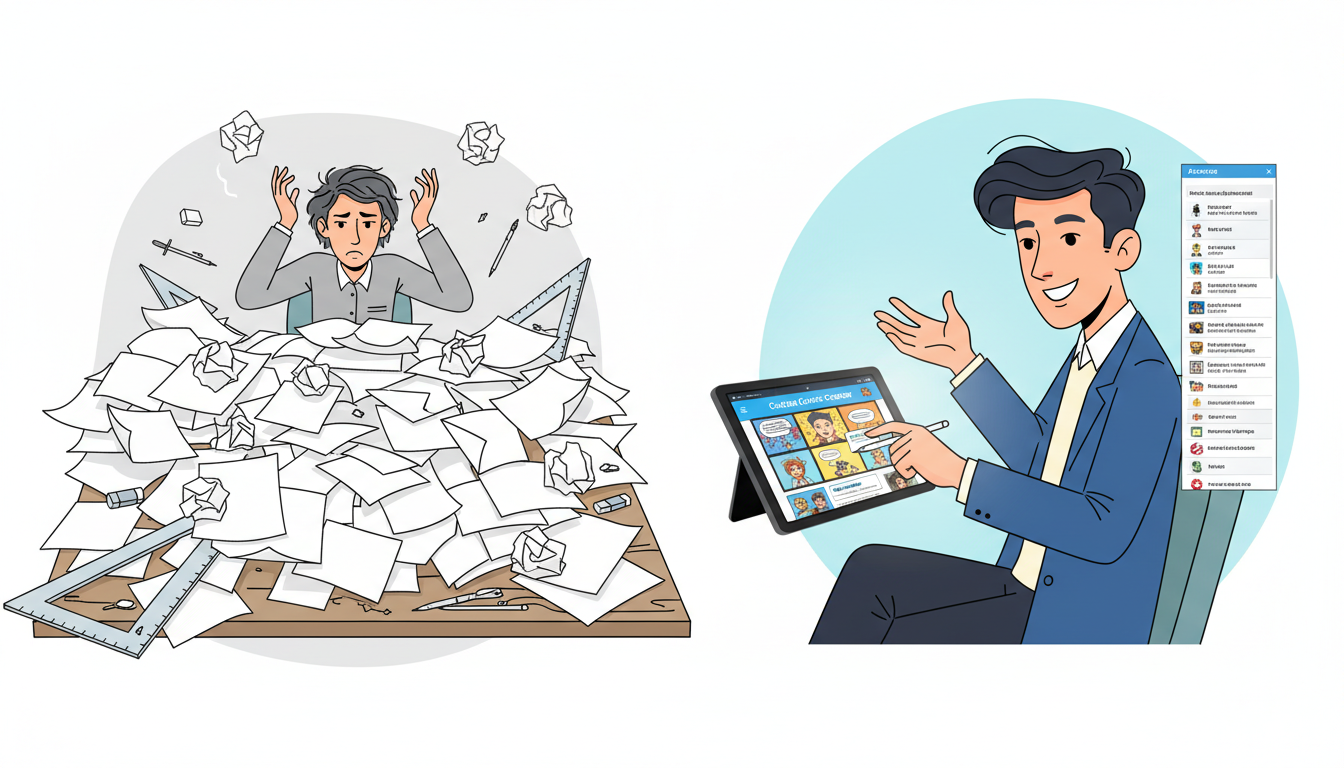
A custom comic book maker compresses that process dramatically. Instead of building every page element from the ground up, you begin with a framework that already understands how comics work. The result is less setup, fewer technical mistakes, and faster progress from idea to finished pages.
1. It saves a huge amount of time
Templates, drag-and-drop layouts, built-in lettering tools, and reusable assets reduce repetitive work. Instead of creating panel grids and formatting every page manually, you can focus on storytelling decisions. For busy creators, that speed is not a luxury; it is often what makes the project possible.
2. It improves visual consistency
One of the hardest parts of comic production is maintaining consistency across scenes. Characters should look recognizable from page to page. Dialogue should feel uniform. Layouts should be readable. A strong platform helps standardize those details so the comic feels coherent instead of stitched together.
3. It lowers the barrier to entry
Many people have compelling stories but no illustration training. A custom comic book maker for beginners bridges that gap by providing structure, assets, and visual assistance. That means you can create something polished even if you are not an artist.
If you want to see what a guided workflow looks like in practice, this detailed internal tutorial on how to make a custom comic book with PersonalizedComics step by step is a useful companion resource.
Why this matters
The real advantage of using a custom comic book maker is not just convenience. It is creative momentum. When the tool handles structure, you are more likely to finish the comic you started.
Essential Features to Look For in a Custom Comic Book Maker
Not every platform offers the same experience. Some are simplistic and restrictive. Others provide the right balance of automation and control. If you are comparing options, the best approach is to evaluate features based on the type of comic you want to make and how much hands-on design work you want to do yourself.
Panel and page customization
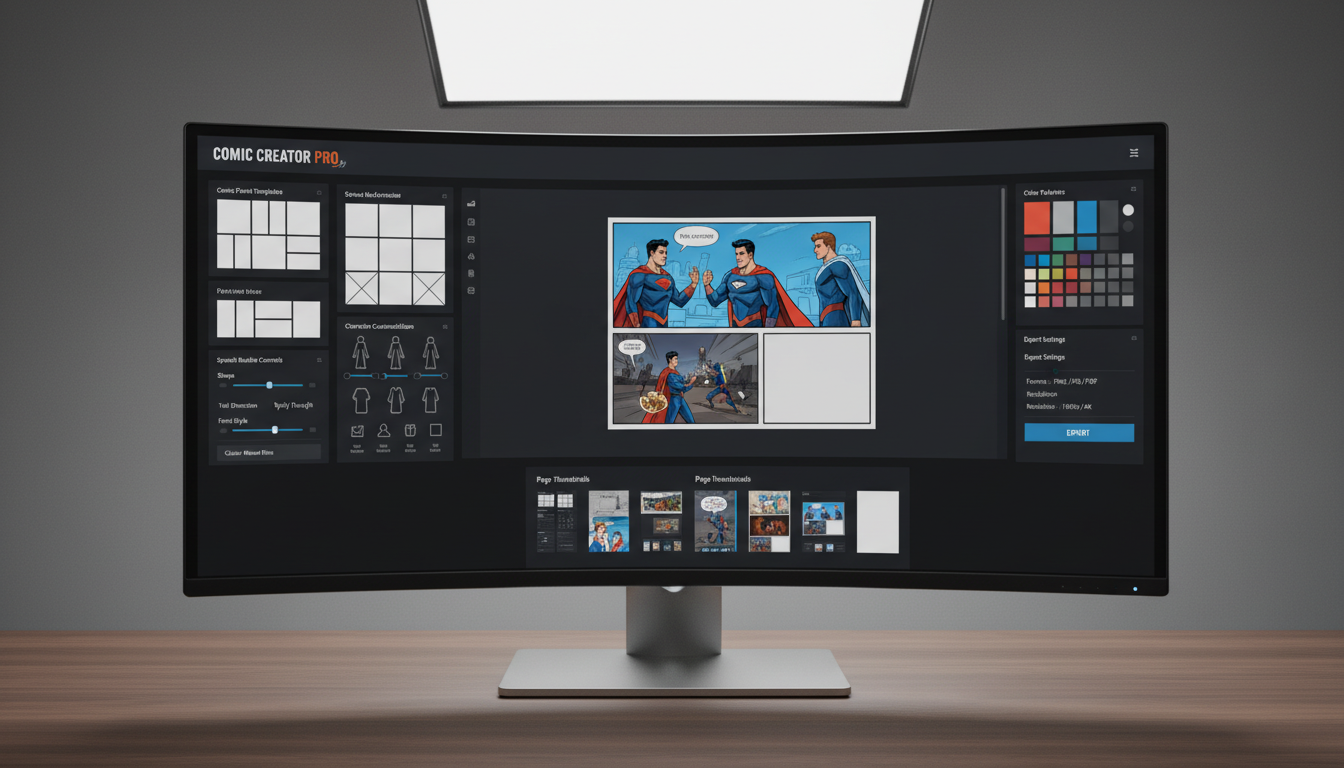
A good custom comic book maker should let you control layout without making the process overwhelming. Look for drag-and-drop panel management, adjustable panel sizing, flexible text placement, and clear page sequencing. These features directly affect readability and pacing.
Speech bubbles and caption tools
Dialogue presentation matters more than many beginners realize. You want clean bubble placement, readable fonts, easy tail positioning, and enough flexibility to support narration, conversations, reactions, and sound effects. Poor lettering can make a strong story feel amateur.
Character creation and style consistency
If your story includes recurring characters, consistency is essential. Some platforms allow you to upload a photo and turn a real person into a comic character, which is especially powerful for personalized storytelling. PersonalizedComics.com, for example, lets users choose from manga, classic American, graphic novel, noir, watercolor, cyberpunk, retro pop, and fantasy epic styles, giving creators a meaningful range of visual directions.
Export and print options
Always check how your comic leaves the platform. PDF exports, image downloads, print-ready files, and cloud access are all useful. If you plan to hold the finished book in your hands, direct print ordering can be a major benefit. PersonalizedComics offers printed comics in full color with saddle stitch binding and standard comic book size, starting at $19.99 with free shipping.
Pricing that matches your project
The best custom comic book maker online is not always the one with the most features. It is the one whose pricing and workflow match how you actually create. On PersonalizedComics, digital creation uses a credit model where 1 credit = 1 page. Credits never expire, which is useful if you create in bursts rather than on a subscription schedule. The platform includes a free sign-up with a three-page preview comic, while paid plans range from a Starter Pack at $9.99 for 100 credits up to larger creator bundles.
How to Create a Great Comic With a Custom Comic Book Maker
Knowing how to use a custom comic book maker effectively is about more than clicking buttons. The strongest comics start with story clarity. Even an excellent tool cannot fix a confused premise or overcrowded page flow. Before you begin designing, define what your comic is actually trying to do.
Start with a focused concept
Ask three simple questions: Who is this comic for? What is the emotional payoff? What should the reader remember at the end? Those answers help determine tone, length, visual style, and pacing. A gift comic for a partner should read differently from a classroom history comic or a branded explainer.
Outline before you build
Even a short outline saves time. Break your comic into a beginning, middle, and end. Then identify what needs to happen on each page. This prevents you from overloading early pages with setup or rushing your ending. It also helps you estimate page count, which matters when your tool uses credit-based creation.
Keep the reading flow simple
Each panel should guide the eye naturally. Avoid overly dense pages unless complexity is part of the intended effect. Readers should know where to look next without effort. That usually means clear left-to-right or top-to-bottom sequencing, consistent bubble order, and controlled visual emphasis.
Write concise dialogue
Comics are visual storytelling. If every panel is packed with text, the art loses impact and the pace slows. Aim for economical dialogue that reveals character or moves the story forward. If a line can be shown instead of said, let the image do the work.
Review for consistency before exporting
- Check character appearance from page to page.
- Make sure speech bubbles do not cover important visual details.
- Verify that fonts, captions, and sound effects feel cohesive.
- Look for repeated words, awkward spacing, or crowded panels.
- Preview the comic as a full reading experience, not just page by page.
The easiest mistake to make with a custom comic book maker is assuming the tool does all the storytelling. It does not. The tool handles production. You still need clear ideas, sharp editing, and thoughtful pacing.
Best Use Cases for a Custom Comic Book Maker
One reason the custom comic book maker market keeps growing is that comic storytelling applies to far more than superhero fiction. Comics are a flexible format for personal expression, teaching, marketing, and memory preservation.
Personal and family projects
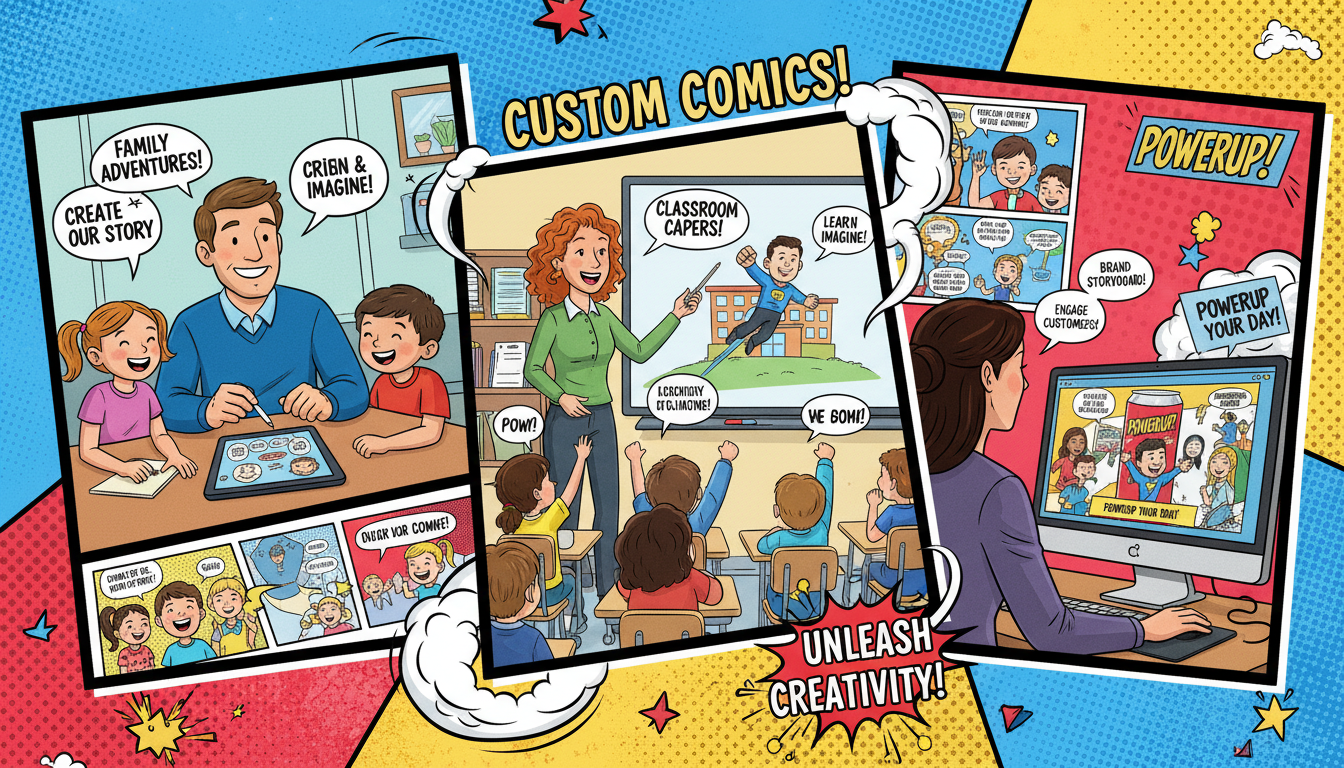
This is one of the most exciting categories. You can turn vacations, anniversaries, inside jokes, proposals, milestone birthdays, or family legends into a custom comic. When a platform lets you upload photos and transform real people into characters, the result feels much more personal than a generic template-driven gift.
Business and marketing storytelling
Brands increasingly use comics for product explainers, onboarding, campaign storytelling, and social content. Why? Because comic structure is naturally digestible. Panels break information into clear beats, and visuals make abstract ideas easier to understand. A custom comic book maker online can help teams create branded stories faster without a full illustration pipeline.
Education and training
Teachers, trainers, and course creators can use comics to simplify difficult topics. Historical retellings, science concepts, language learning, safety training, and student assignments all benefit from sequential visuals. Comics can make information more memorable because they combine narrative, imagery, and structure.
High-value use cases
- Birthday, wedding, anniversary, and holiday gifts
- Memoirs, fan fiction, and family storytelling
- Employee onboarding and internal communication
- Product demos and brand campaigns
- Classroom assignments and curriculum materials
- Training manuals with visual scenarios
If your goal is to create something memorable rather than merely informative, comics offer a rare combination of emotional impact and accessibility.
How to Choose the Best Custom Comic Book Maker for Your Needs
If you are searching for the best custom comic book maker online, avoid the trap of choosing based on marketing claims alone. The right choice depends on your project type, comfort level, and preferred output. A platform that is ideal for a casual personalized gift may be too limiting for a branded campaign, while a highly technical tool might be unnecessary for a first-time user.
Evaluate ease of use first
Complicated interfaces create dropout. If you need to watch an hour of tutorials before creating page one, the tool may not be right for your workflow. Look for intuitive navigation, clear page controls, and a visible path from setup to export.
Match flexibility to your goals
Some users want maximum control over every panel, color choice, and text placement. Others want guided simplicity. Decide whether you need advanced customization, AI-assisted generation, or a beginner-friendly flow. The ideal custom comic book maker gives you enough control to shape the result without slowing you down.
Check output quality carefully
Review sample pages if available. Are the characters visually consistent? Do speech bubbles look professional? Is the final export clean enough for printing? High-quality output is essential, especially if the comic is intended as a gift, portfolio item, or customer-facing asset.
Understand pricing before committing
Pricing should feel predictable. Subscription-only models can be frustrating if you create occasionally. Credit-based pricing can be better when you want flexibility. PersonalizedComics, for example, offers free sign-up credits and scalable packages, which makes it easy to test the experience before purchasing more pages. You can compare the available plans directly on the official pricing page.
Use a short decision checklist
- Can you start creating quickly without technical friction?
- Does the platform support your preferred comic style and tone?
- Can it maintain character consistency across multiple pages?
- Are export and printing options strong enough for your end goal?
- Is pricing sensible for your expected page count?
If you answer yes to most of those questions, you are likely looking at a strong option.
Practical advice
The best way to choose a custom comic book maker is to test it on a small project. Build a short 4- to 6-page comic first. You will quickly learn whether the interface, output, and storytelling workflow fit your needs.
Conclusion: A Custom Comic Book Maker Makes Comic Creation Realistic for More People
A strong custom comic book maker does more than automate page design. It unlocks comic creation for people who may never have attempted it otherwise. By combining layouts, character tools, dialogue controls, style choices, and export options in one workflow, these platforms make it possible to produce polished comics without traditional illustration skills.
If your goal is to create a personal gift, a business story, a classroom project, or a full creative experiment, the right tool can save time, increase consistency, and dramatically reduce the friction between idea and finished comic. That is why learning how to use a custom comic book maker is so valuable: it lets you spend more energy on story and less on production obstacles.
For creators who want an especially approachable starting point, PersonalizedComics.com stands out by turning photos and ideas into illustrated comics in minutes, offering multiple art styles, free starting credits, and printed comic options. If you want a more tactical walkthrough before starting, the guide on making a custom comic book step by step is worth reading next.
Ready to Find the Right Custom Comic Book Maker?
Use this guide to compare features, define your goals, and choose a custom comic book maker that helps you create comics faster and better. Start small, test the workflow, and focus on the story you want readers to remember.
Filed under Making Your Comic