That gap is where most beginners get stuck. A lot of advice about visual novel development still assumes you're sitting at a desktop, comfortable with scripting, and willing to wrestle with export settings before you've even finished scene one. That's not how most new creators start.
A good visual novel maker for Android should reduce friction, not add it. If you're a writer first, or an artist first, or just someone who wants to build a small interactive story without turning into a programmer, your tool choice and workflow matter more than almost anything else.
Your Story Idea Can Become an Android Game
A phone is enough to begin. That's not wishful thinking. It's the practical starting point for a lot of indie narrative projects now, especially short visual novels with limited routes, a focused cast, and reusable art.
Mobile also isn't some side platform anymore. Mobile platforms held 38.6% of total visual novel game revenue in 2025, which means nearly two out of every five dollars in the category came from Android and iOS, according to Dataintelo's visual novel games market report. If you're deciding where to publish first, Android is the obvious candidate.
Start with a small story shape
Don't begin with your giant branching epic. Begin with one of these:
- A single-route romance with one major ending
- A mystery vignette built around one reveal
- A character drama that uses choices for flavor instead of full route splits
- A short horror VN with two or three endings
That structure works well on phones because players often read in short sessions. It also helps you finish.
Practical rule: If you can summarize your game in two sentences, you can probably build the first version without getting buried in assets.
If your story still feels fuzzy, sharpen the premise before touching any engine. A simple guide to writing a story for beginners can help you turn loose ideas into a plot that properly fits an interactive format.
Why Android is a smart first target
Android rewards a lean scope. You can test quickly, share builds easily, and spot pacing issues on the same kind of screen your players will use. That matters for visual novels because text density, button spacing, sprite scale, and background readability all behave differently on mobile than they do in a desktop preview.
A lot of first projects fail because the creator tries to build for every platform at once. A better move is narrower. Make a short Android-first game that reads well in portrait or simple horizontal layout, keeps menus minimal, and uses clear tap targets. Finish that. Then expand.
Choosing the Right Visual Novel Maker for Android
The wrong engine will waste weeks. Not because it's bad, but because many popular VN tools were built with PC workflows in mind and treat Android export like an extra step you'll “figure out later.”
That's exactly where beginners hit the wall. A significant gap still exists here. 78% of new VN creators are blocked by scripting barriers for mobile games, and very few no-code engines genuinely support Android development without a PC or coding knowledge, according to this discussion of Android engines for visual novels.
What actually matters in an Android-first tool
If you're choosing a visual novel maker for Android, ignore feature bloat for a minute and judge tools on five things:
- Can you build on mobile or at least manage most of the project from mobile?
- Can you export to Android without a custom technical setup?
- Do choices and branching use visual logic, or do they push you into scripting fast?
- Can you import images, music, and dialogue without babysitting file structures?
- Can a beginner finish a small game in it without outside troubleshooting?
A tool can be powerful and still be the wrong fit. That's often the case with engines that are great for advanced developers and frustrating for phone-first creators.
Android Visual Novel Maker Comparison 2026
| Tool | Platform | Coding Required? | Android Export | Best For |
|---|---|---|---|---|
| Kocho VN! | Mobile-focused | No | Yes | Beginners who want a low-friction, no-code path |
| web-based itch.io editor | Web-based | Minimal to none | Mobile-friendly workflow depends on tool setup | Hobbyists testing simple narrative ideas |
| Ren'Py | PC-focused | Yes for anything beyond basics | Yes, but not as a phone-first workflow | Creators who don't mind scripting and want flexibility |
| TyranoBuilder | PC-focused | Low-code | Android support is not the main strength in a mobile-first workflow | Desktop users who want drag-and-drop authoring |
| StoryFlow | PC-focused | Low-code | Not positioned as an Android-first choice | Writers planning on PC before moving elsewhere |
| Visual Novel Maker | PC-focused | Low-code to moderate technical setup | Yes, but build setup matters | Users who are comfortable configuring dependencies |
My rule for beginners
If your goal is “publish a playable Android VN,” choose the tool that removes the most steps between writing and testing. That usually means favoring no-code or low-code mobile-friendly tools over engines with deeper customization.
Most beginners don't need the most powerful engine. They need the one they won't quit.
That's why Kocho VN! stands out in beginner conversations. It's repeatedly mentioned as one of the few options aimed at zero-code Android and iOS support. The trade-off is that simpler tools usually give you less control over advanced systems, custom UI behavior, and persistent state features.
What works and what doesn't
What works well for first projects
- No-code scene assembly: Good for writers and artists who need momentum
- Simple branching menus: Good for route tests, bad-end structure, and replayability
- Small asset libraries: Easier to manage on mobile storage
- Direct APK-style publishing flow: Less room for setup errors
What usually causes pain
- PC-first engines on a phone-first project: You spend more time adapting the workflow than building scenes
- Heavy scripting too early: One variable mistake can break route logic
- Advanced systems before a demo exists: Save galleries, achievement screens, and route tracking can wait
Choose for completion, not prestige. A finished short VN on Android beats an ambitious half-built project in a “better” engine every time.
Preparing Your Story Art and Audio
The cleanest builds start before the engine ever opens. If your files are chaotic, your project becomes chaotic. That's true whether you're using a phone-only app or a desktop-based VN builder.
Build your script like a production file
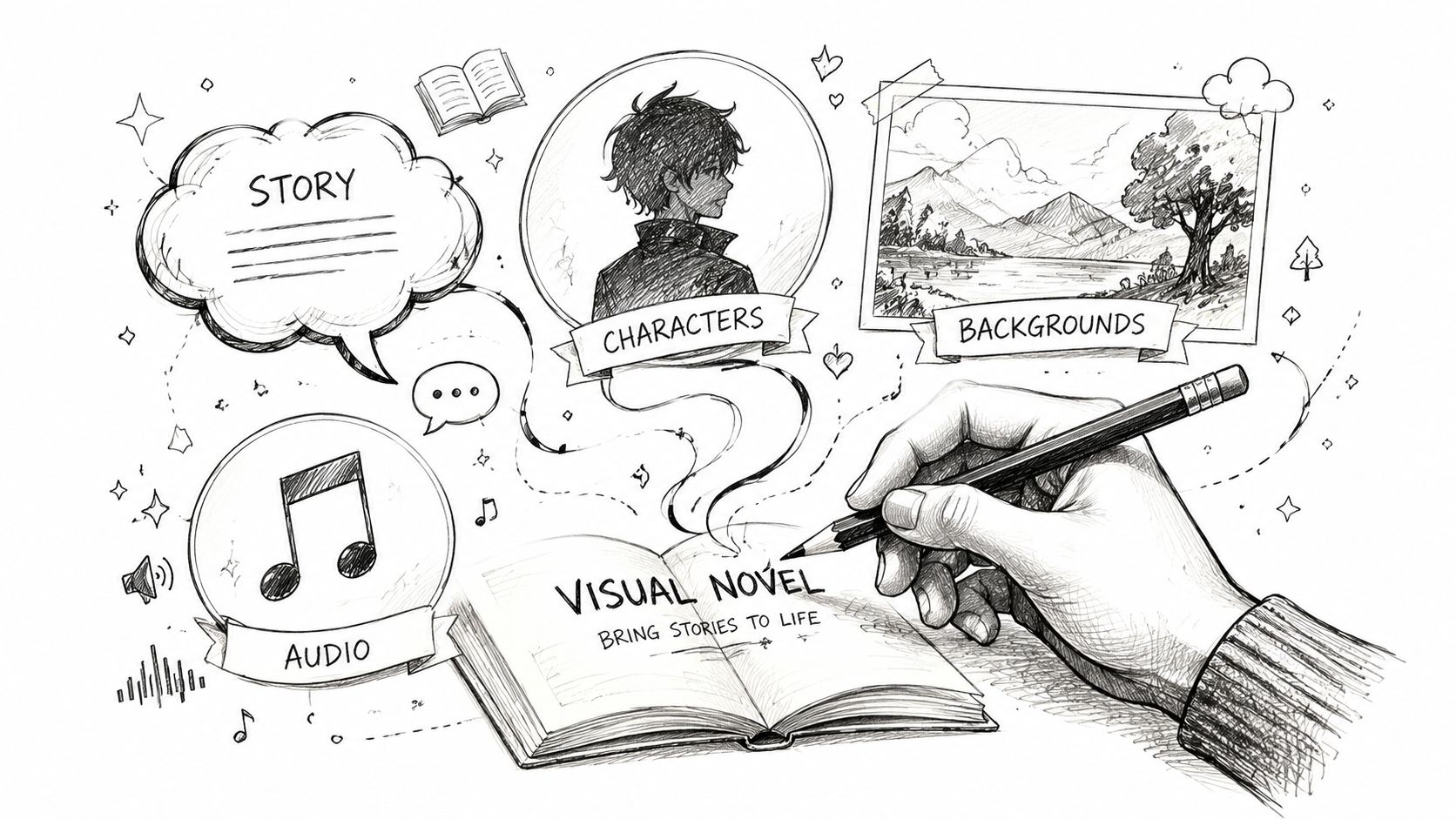
Don't write your VN script as one giant block of prose. Break it into scenes and label every choice point. A simple structure works:
- Scene name
- Background
- Music cue
- Character on screen
- Dialogue
- Choice
- Resulting branch
That format makes import and assembly much faster. It also helps you spot route problems before they spread.
I like to keep one master document and one asset checklist. If scene three needs “Cafe day background,” “Hero neutral sprite,” and “Phone vibration sound,” those items should already exist before I build the scene.
Keep visual assets consistent
Most beginners don't fail because they lack art. They fail because their art doesn't match. One sprite looks painted, another looks flat, the background uses a different perspective, and the UI doesn't fit any of it.
If you're not drawing everything yourself, set rules before generating or sourcing anything:
- Choose one art direction and stay there
- Lock character proportions early
- Name expressions clearly like neutral, happy, annoyed, surprised
- Use the same framing style for all sprites
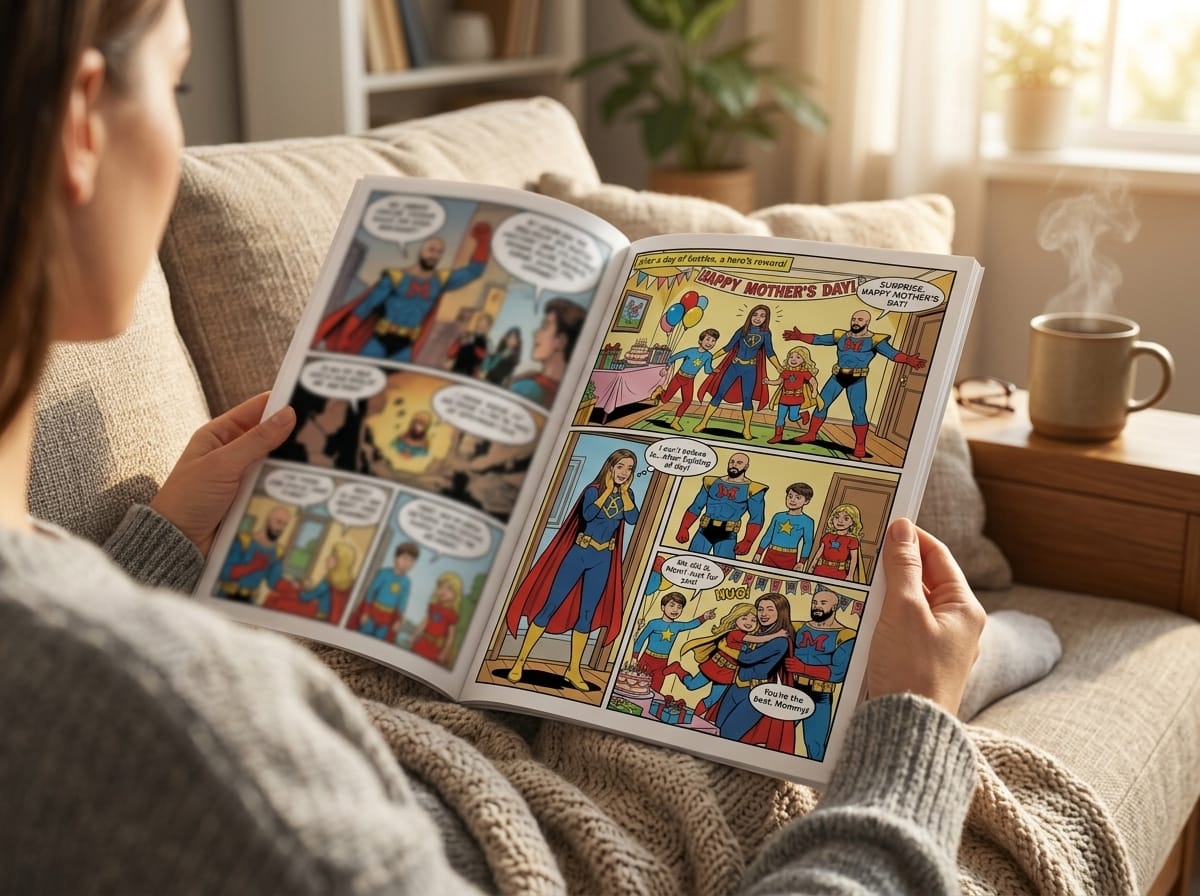
If you want a reference for stylized visual direction, this overview of comic book style artwork is useful for thinking about consistency, mood, and character presentation.
A visual novel can survive simple art. It struggles with inconsistent art.
AI image tools can help non-artists prototype sprites and backgrounds, but you still need discipline. Save prompt notes, keep costume details fixed, and regenerate in batches so one character doesn't drift across scenes.
Audio matters more than beginners think
A visual novel with modest art and good sound often feels better than one with strong art and dead silence. You don't need a huge soundtrack. You need a small set of tracks that fit your scenes.
Use three buckets:
| Asset type | What to prepare | Common mistake |
|---|---|---|
| Story files | Scene-by-scene script, branch map, naming system | Writing scenes without labeling choices |
| Visuals | Backgrounds, sprites, expressions, UI icons | Mixing styles and resolutions |
| Audio | Loopable music, button sounds, ambient effects | Using tracks that overpower dialogue |
For mobile projects, shorter loops and lighter files are easier to manage. The more organized your folders are at the start, the less painful your build becomes later.
Assembling Your Scenes and Branching Paths
At this point, your project stops feeling theoretical. Once you import a background, place a character, and tap through your own dialogue on a phone screen, motivation tends to come back fast.
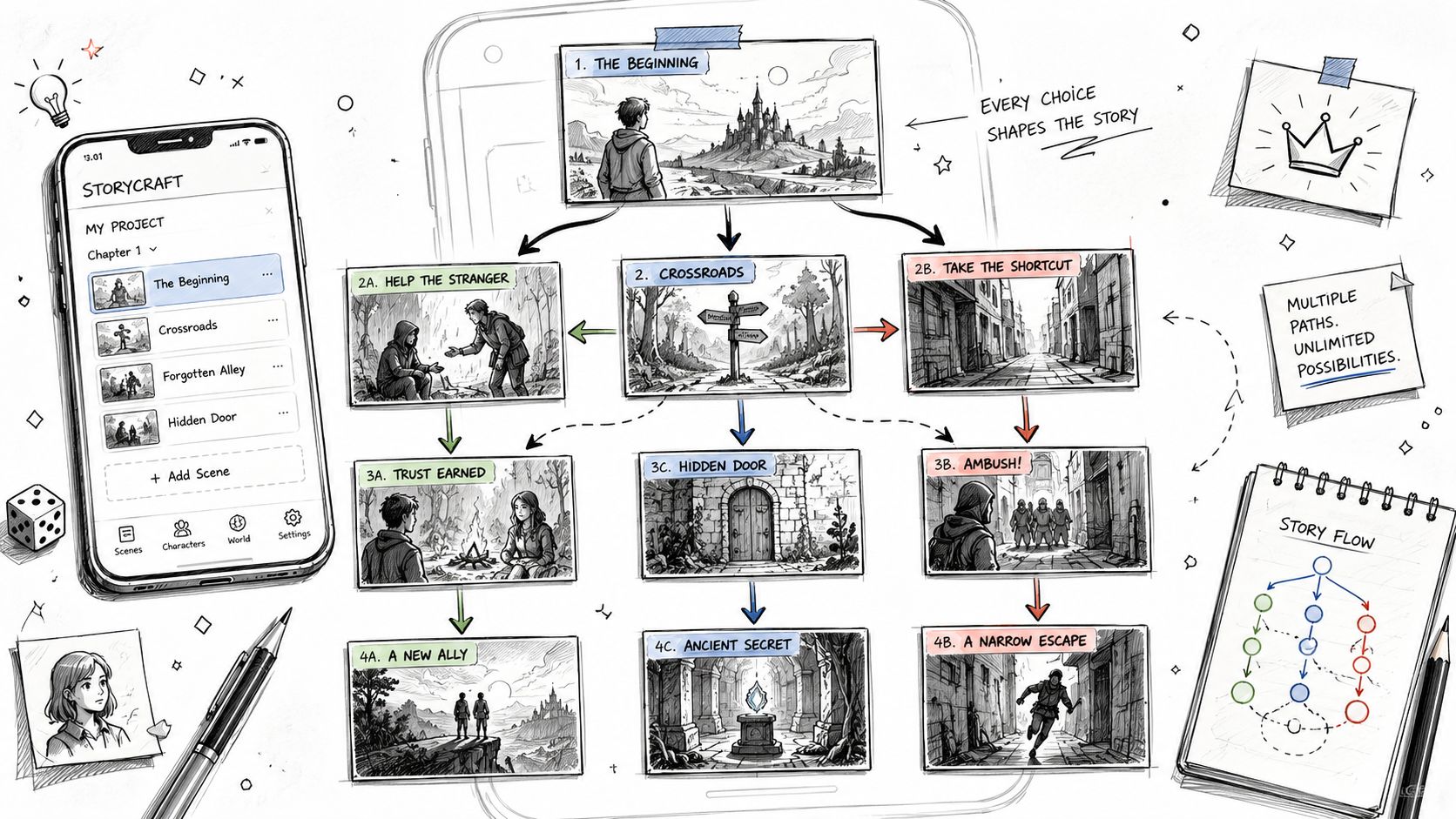
Build one complete scene before building the whole game
A lot of new creators import every asset first and then freeze. Do the opposite. Build one scene from start to finish.
That scene should include:
- A background
- At least one character sprite
- Dialogue with name tags
- One expression change
- One player choice
- A branch that leads somewhere different
That mini-scene becomes your template for the rest of the game.
The basic assembly loop
Most visual novel makers for Android use roughly the same logic even if the interface looks different:
- Import the background and set it as the current scene image
- Place the character sprite on left, center, or right
- Attach dialogue to the speaking character
- Swap expression files when the emotional beat changes
- Add music or ambient sound
- Insert a choice node for the player
- Link each option to the next scene or result
The big mistake here is building too much before testing the scene flow. If one branch points to the wrong screen or one expression file is mislabeled, small errors stack quickly.
A practical branching example
Keep your first branch tiny.
Scene setup: Your protagonist gets a text from a friend asking to meet after school.
Choice:
- Yes
- No
If Yes: The next scene uses the park background, a friendly music cue, and opens a relationship path.
If No: The next scene stays in the bedroom background, changes the tone, and maybe sets a different ending flag later.
That's enough to learn branching without getting lost.
If a branch doesn't change dialogue, mood, scene order, or ending logic, it isn't adding much. Cut it or rewrite it.
Expression changes carry emotional weight
Writers often underestimate this part. On Android, where the screen is smaller, expression shifts do a lot of work. A neutral sprite becoming hesitant or annoyed can sell a scene faster than another paragraph of explanation.
Use expressions deliberately:
- Neutral for baseline conversation
- Happy after warmth or success
- Angry or annoyed after conflict
- Surprised at reveals
- Sad or withdrawn in quiet scenes
Don't switch every line. Save changes for emotional turns. That keeps them noticeable instead of noisy.
A finished VN doesn't need complex logic everywhere. It needs clear cause and effect. Players should feel that the choices lead somewhere, even in a short project.
Testing and Publishing Your Android App
A preview inside the editor isn't enough. Visual novels often look fine in a build window and then break their rhythm on an actual phone. Text wraps badly. Buttons sit too close together. Backgrounds crop in awkward ways. Music loops at the wrong moment.
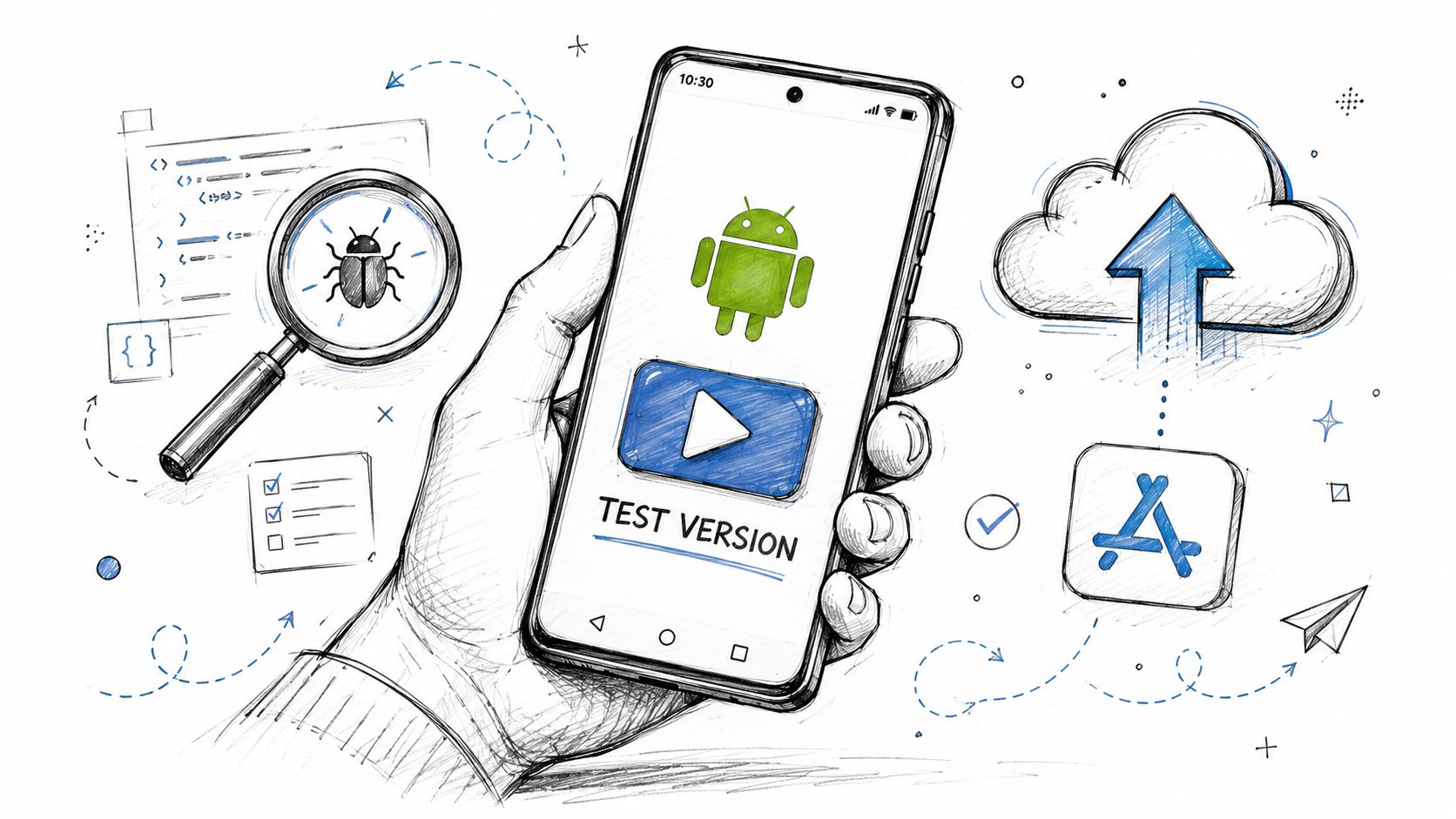
Test on the device you expect people to use
Install a test build on your own Android phone as early as you can. Tap through every route. Don't skim. Read at player speed and pay attention to friction.
Use a short checklist:
- Text readability: Is the font comfortable on a smaller screen?
- Touch targets: Can you hit buttons without mis-tapping?
- Scene pacing: Do transitions feel too slow or too abrupt?
- Audio balance: Is music covering sound effects or dialogue mood?
- Branch integrity: Does every choice go where it should?
- Save and load behavior: Do saves return to the expected point?
Export headaches are real
Some tools make Android export feel nearly automatic. Others absolutely don't. For some engines, building for Android requires setup like selecting Android in Preferences > Application > Build, setting the sdk tools path, and making sure Gradle is installed, as discussed in this Visual Novel Maker Android build thread on Steam. When those dependencies aren't configured, export failures are common.
That's one reason I push beginners toward simpler pipelines if Android is the target from day one. If your engine expects you to think like a build engineer before you've shipped a short VN, it may not be the right first tool.
Before you publish
Once your APK behaves properly, do one more pass with a second person if possible. Fresh eyes catch broken branches, awkward wording, and menu confusion fast.
Then prepare the release basics:
- App icon
- Short description
- Screenshots from real gameplay
- Content warning if needed
- Versioned backup of the final project
If you're thinking beyond direct sharing and want a broader release plan, this guide on how to self-publish a comic book is surprisingly relevant for packaging, presenting, and positioning a story-driven creative work.
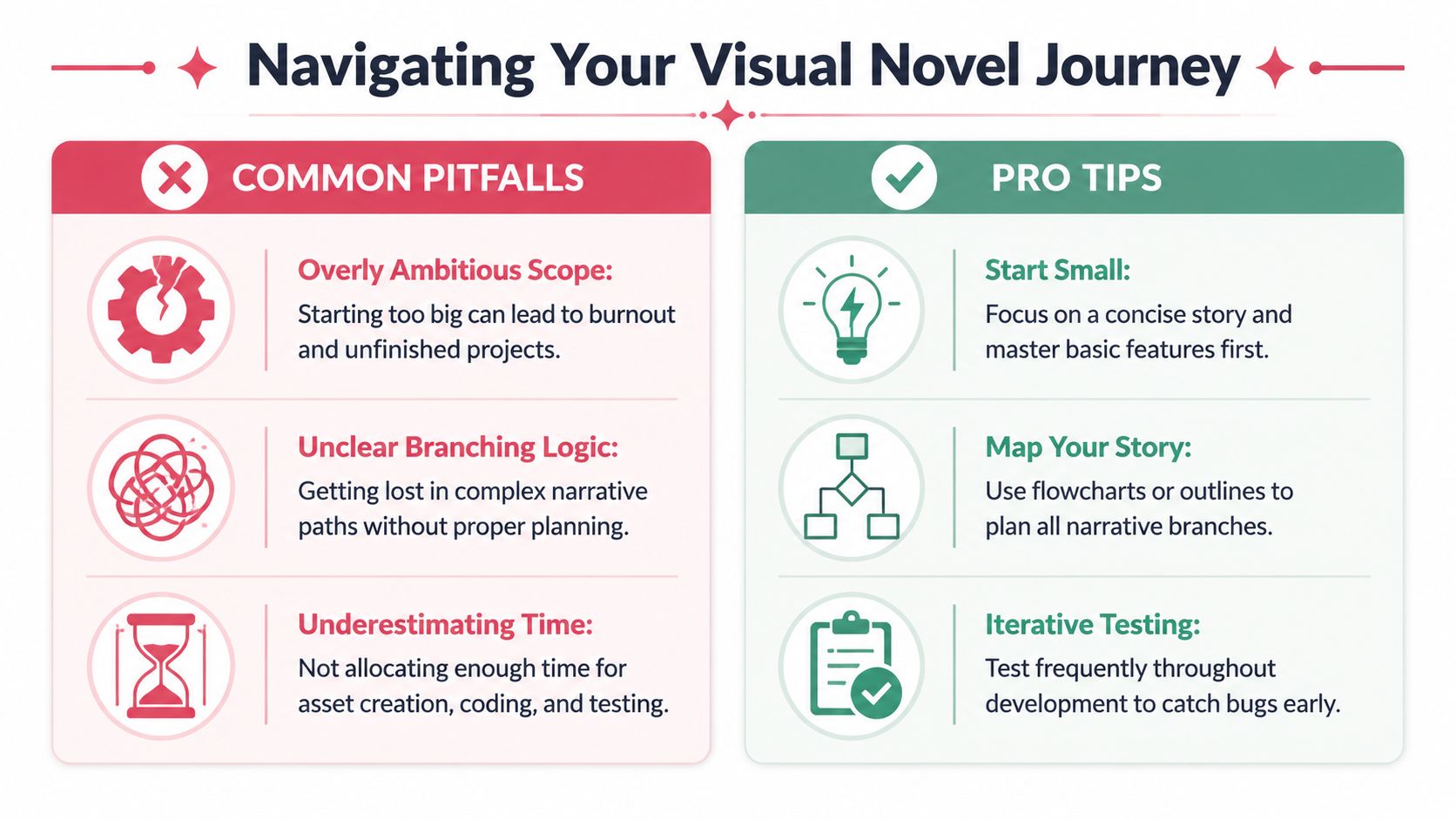
Common Pitfalls and Pro Tips to Avoid Headaches
The first Android VN usually teaches the same lessons the hard way. Most of them are avoidable if you keep scope tight and respect technical limits early.
Technical limits still matter
If you use engines like Ren'Py, one common issue is the 32-bit architecture limit, which can cap RAM usage and create instability on modern devices. The same Lemma Soft discussion also notes that about 60% of novices hit errors when implementing persistent data for playthrough flags without documentation support in this Ren'Py-focused forum thread.
That sounds abstract until your game starts crashing because your backgrounds are oversized or your route tracking breaks after a save reload.
The problems I see most often
- Oversized art files: Big backgrounds and too many full-resolution sprites can make mobile builds unstable.
- Messy branching logic: Route flags become impossible to debug when choices aren't mapped clearly.
- Broken persistence: Endings, achievements, and previous choices won't track correctly if persistent data isn't handled properly.
- No version control habit: One bad edit can wreck a working build if you keep saving over the same file.
Small projects finish because the creator protects simplicity at every stage.
Pro moves that save time
A beginner doesn't need complex production systems. You need a few habits that prevent disaster.
| Problem | Better habit |
|---|---|
| Branches are hard to follow | Draw the route map before building scenes |
| Assets go missing | Use consistent file names and keep one master asset folder |
| A new edit breaks the game | Save new project versions regularly |
| The app feels heavy | Optimize images before importing them |
| Endings don't unlock right | Test persistent state deliberately, not casually |
One more thing. Don't chase feature completeness on your first release. A polished short VN with reliable saves, readable text, and one satisfying route does more for your confidence than a sprawling unfinished project ever will.
If you've got a story idea but don't want to start from a blank canvas, PersonalizedComics is a practical way to turn characters, scenes, and plot ideas into polished visual storytelling fast. It's especially useful if you want to prototype your world, lock in a consistent art style, or create comic-style story assets before building your Android visual novel.
Related reading: Personalized comic book gifts · Boo basket ideas for 2026
Filed under AI & Tools