That's why the phrase photo to cartoon online free without watermark matters. It isn't just about style. It's about friction. The current category has shifted hard toward browser-based tools that promise instant results, no installation, and easy downloads. Some tools now explicitly pitch no sign-up, no watermark, and fast turnaround as the main selling point, which tells you what users care about most: speed and clean export, not a deep design suite. You can see that pattern in services like Facewow's photo to cartoon tool, which says users can upload a photo and get a high-resolution cartoon image in seconds with no sign-up and no watermarks.
That convenience is great, but it also conceals the actual trade-offs. Some tools are best for avatars. Some are better for privacy. Some are barely cartoonizers at all and work more like effect filters. And if your end goal is a comic gift or a print-ready story, most “one-click cartoon” tools stop far too early.
Here's the practical shortlist, with honest limitations, strong use cases, and where each tool fits best.
1. PersonalizedComics
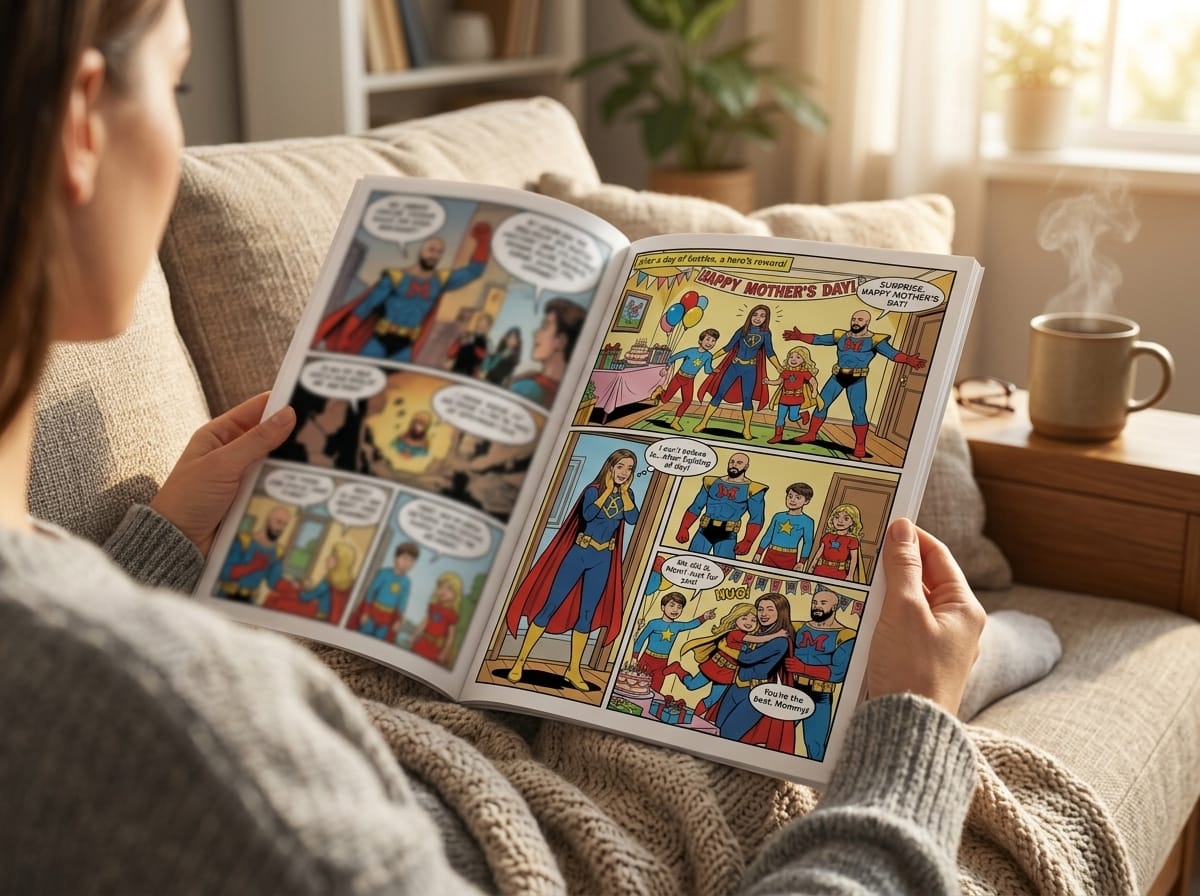
A quick avatar generator is fine for a profile photo. PersonalizedComics fits a different job: turning real photos into an actual comic with pages, panels, dialogue, and a finished story structure. That makes it a practical choice for gifts, classroom materials, short comic concepts, or creator projects that need more than a single stylized portrait.
The main advantage is workflow. Instead of exporting one cartoon face and rebuilding the rest somewhere else, you can start with photos of real people and move straight into page creation. For anyone making a birthday comic, an anniversary keepsake, or a simple story prototype, that cuts a lot of assembly work.
Where It Stands Out
PersonalizedComics offers several distinct art directions, including manga, classic American comic styling, graphic novel, noir, watercolor, cyberpunk, retro pop, and fantasy. New users get a free preview comic to test the system before paying anything. The digital Comic is $19.99 as a PDF download, a $39.99 Keepsake edition adds one printed book with free US standard shipping, and physical print ordering is part of the product.
Their guide on turning photos into comic book art is useful for seeing what this category looks like once you move past one-click filters and into page-based storytelling.
One practical point matters here. A lot of free no-watermark cartoon tools are built for social posts. PersonalizedComics is more useful when the image is only the starting asset and the actual deliverable is a comic page someone can read, share, or print.
Best Use Cases and Real Trade-Offs
This tool fits projects like:
- Gift comics: Turning a couple, family member, friend, or pet into a short printed story.
- Story prototypes: Testing a comic idea without drawing everything by hand.
- Educational or creator content: Building recurring character scenes for lessons, explainers, or audience posts.
The trade-off is speed. Someone who only wants one cartoonized headshot for an avatar will probably find this heavier than necessary. It asks you to think in pages and scenes, which is a strength for storytelling and extra friction for simple image edits.
Privacy-conscious users should also treat this like a story-making platform, not an anonymous throwaway filter. If the project involves personal photos, it makes sense to review what you upload and keep source images clean and intentional.
Image quality matters more here than many people expect. Weak lighting, side angles, cluttered backgrounds, or small group photos can reduce facial accuracy once the system stylizes the character. Clean portraits work better. A little iteration is normal, especially for projects that are meant to be printed or given as gifts.
Use PersonalizedComics when you need a complete comic outcome, not just a free cartoon effect with no watermark.
2. MyEdit (CyberLink) Online Image Cartoonizer
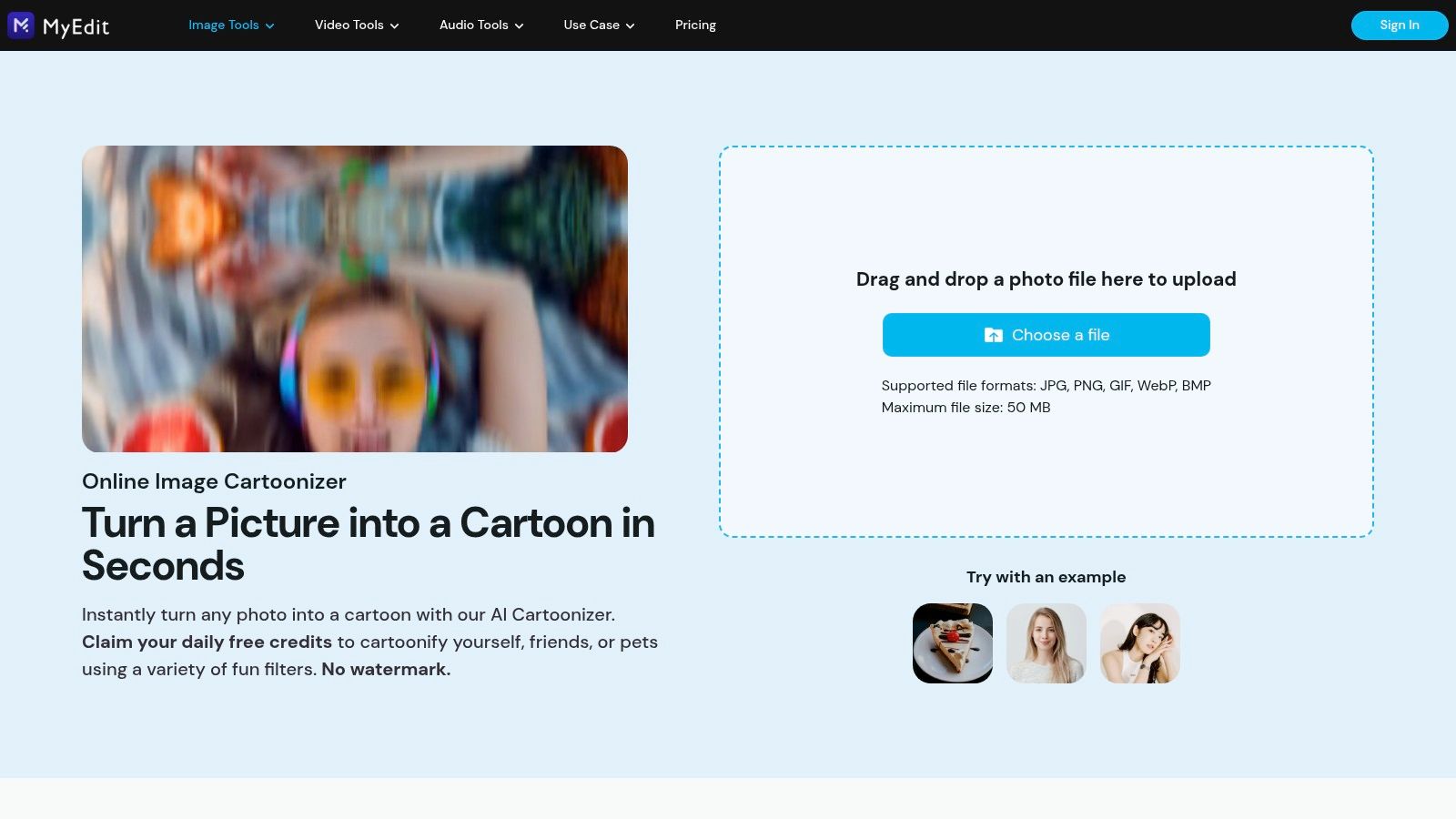
MyEdit feels like a mainstream consumer tool in the best sense. It's polished, guided, and easier for beginners than many smaller AI cartoonizers. If you've ever opened a free editor and immediately wondered where to click, this one reduces that problem.
It's part of CyberLink's MyEdit suite, so the experience is more structured than hobbyist tools. The site advertises HD downloads without watermark, free daily credits, and support for JPG, PNG, GIF, WebP, and BMP uploads up to 50 MB.
What Works Well
The big advantage here is confidence. CyberLink is a known creative software brand, and that matters if you prefer a service that feels maintained and documented rather than experimental.
MyEdit is a solid fit for:
- First-time users: The workflow is clear and less intimidating.
- Pet and portrait edits: Multiple AI cartoon filters make casual experimentation easy.
- Bigger uploads: The stated file support is more forgiving than many lightweight web tools.
Where It Can Frustrate
The free model depends on daily credits. That's fine for occasional use, but it's a poor fit if you need to process a batch right now and don't want to wait. Free users also may find themselves nudged deeper into the broader CyberLink ecosystem.
If you only cartoonize photos once in a while, daily-credit tools feel generous. If you're making assets for a campaign or event, they feel restrictive fast.
Use MyEdit's online cartoonizer when you want a polished browser tool with a familiar software-company feel, and you don't mind a credit gate on heavier use.
3. LunaPic Free Online Photo Editor
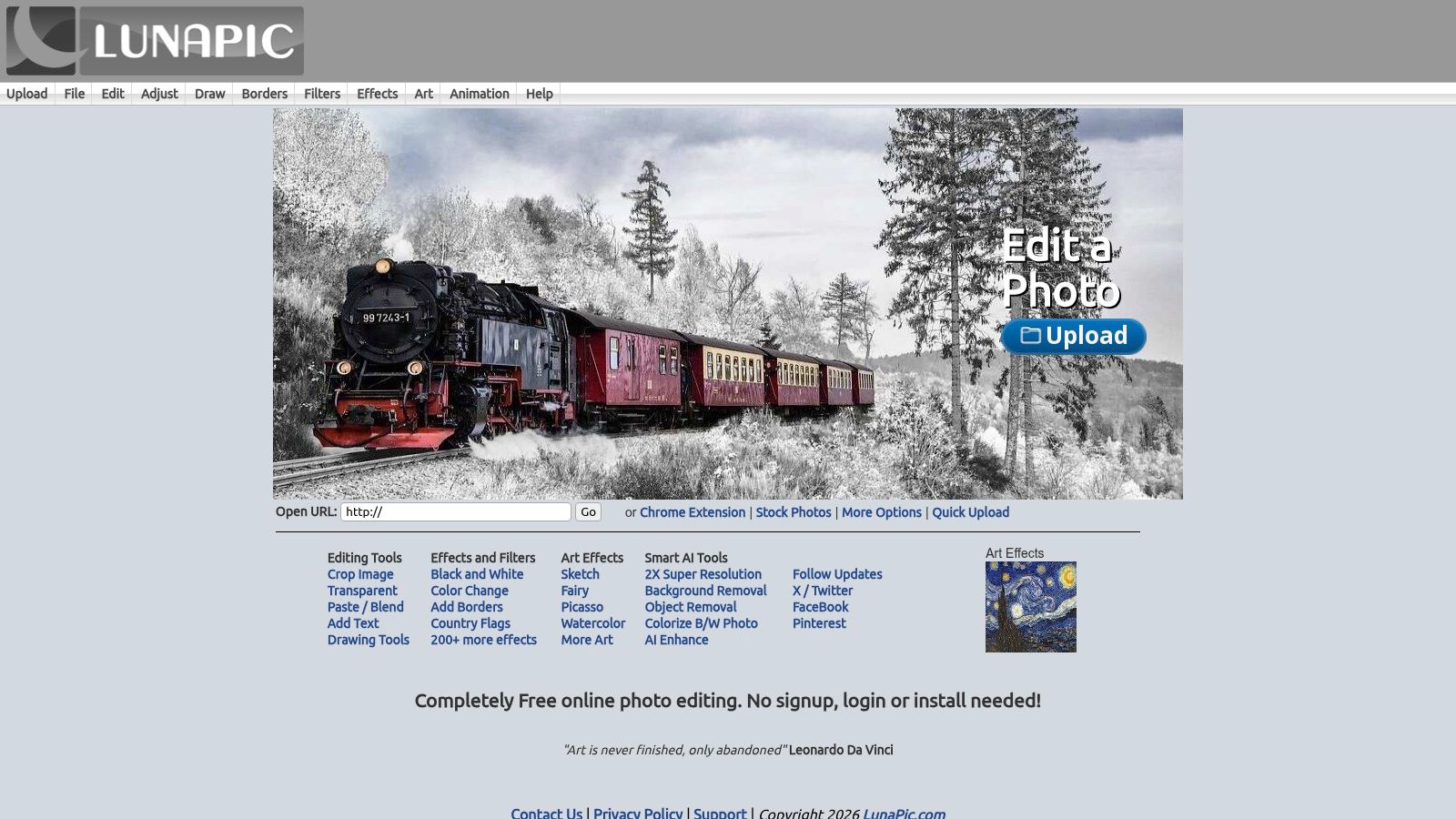
LunaPic is the opposite of polished AI branding. It looks old. It feels old. It still matters because it's quick, free, and flexible in ways newer tools often aren't.
This is less of a one-click AI cartoon identity generator and more of a broad web editor with cartoon and sketch effects built in. That makes it useful when you want to try several directions without switching sites.
Why It Still Earns a Spot
LunaPic works well for users who want to tinker. You can test cartoon effects, sketch looks, and other edits in the same browser session without creating an account. That's handy when the goal is exploration rather than a single polished preset.
If you're thinking beyond a standalone portrait and toward illustrated storytelling, comic book style artwork ideas can help you judge whether a sketchier or more graphic treatment suits the final piece.
Best for Experimenters, Not Perfectionists
Here's where LunaPic shines:
- Quick conversions: Upload, test, save, move on.
- Light edits after stylizing: You can make adjustments without exporting into another app.
- Zero-commitment use: No sign-up helps when you need a fast result.
The limitation is consistency. Results vary a lot depending on source image quality and the effect you pick. It also won't satisfy users who want highly modern AI aesthetics, cinematic rendering, or curated style libraries.
Use LunaPic when you value speed and editing flexibility more than a modern interface.
4. Wish2Be Free Caricature and Cartoon Maker
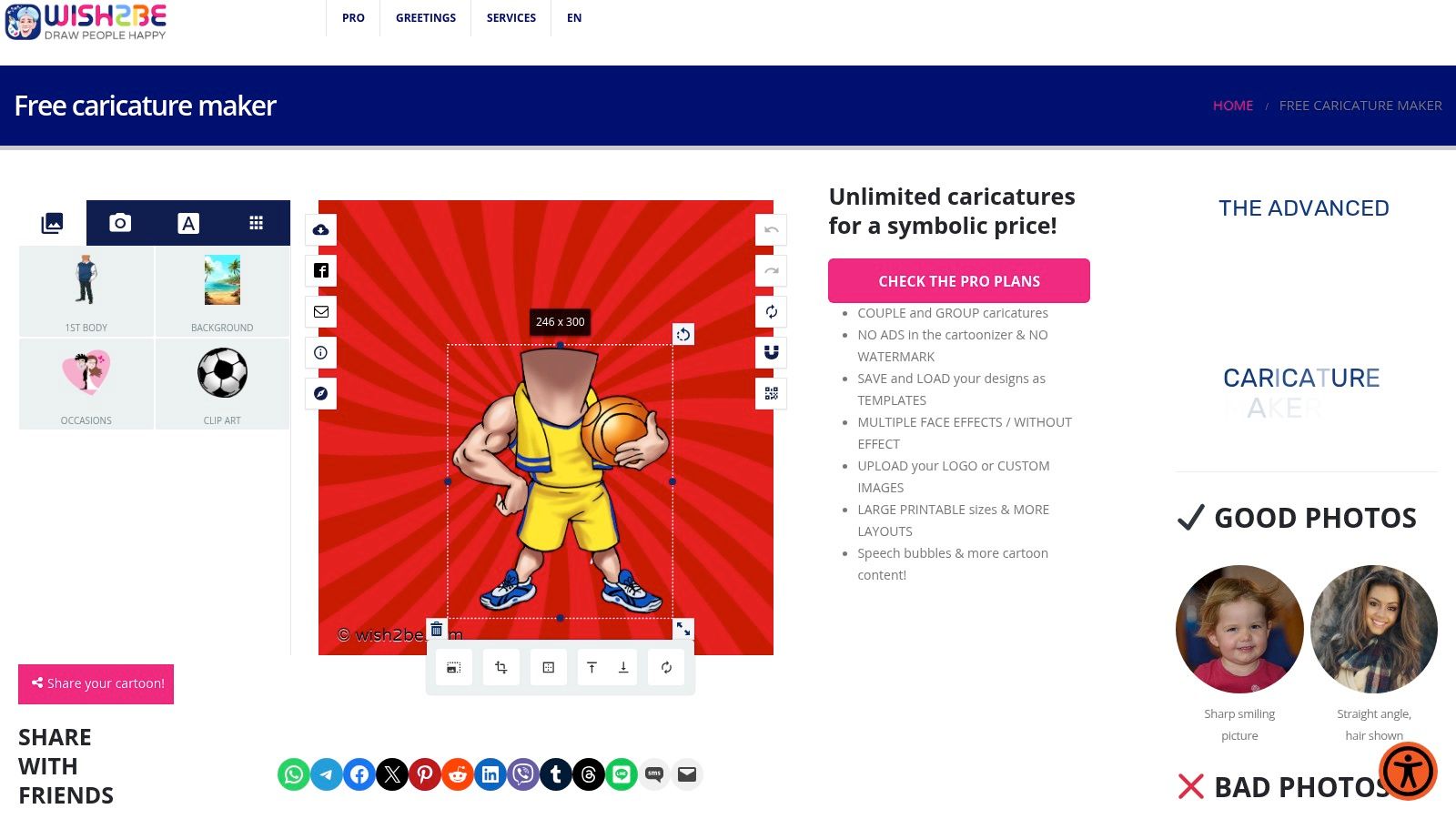
Wish2Be takes a different path. Instead of trying to simulate a painterly AI portrait, it leans into avatar composition. You turn a photo into a caricature-style character, then place that character into themed bodies, backgrounds, and scenes.
That makes it fun, and also more niche than a standard photo to cartoon tool.
Where It Fits Best
The site explicitly states no watermark and no ads for its free cartoonizer. That's attractive for casual users who want a cleaner free experience and don't want to fight through popups or branding on the exported image.
Wish2Be works best for:
- Funny gifts
- Themed avatars
- Party invites or novelty graphics
- Humorous social posts
What It Doesn't Do Well
If you want a subtle cartoon portrait, this isn't the right tool. The style is playful and exaggerated. That's the point, but it limits how broadly useful it is.
For users searching photo to cartoon online free without watermark, Wish2Be is a strong pick only if “cartoon” means caricature scene-building, not natural-looking stylization.
Use Wish2Be when you want a composed cartoon character in a themed setup rather than a simple filtered portrait.
5. MakeMySketch In-Browser Photo Effects
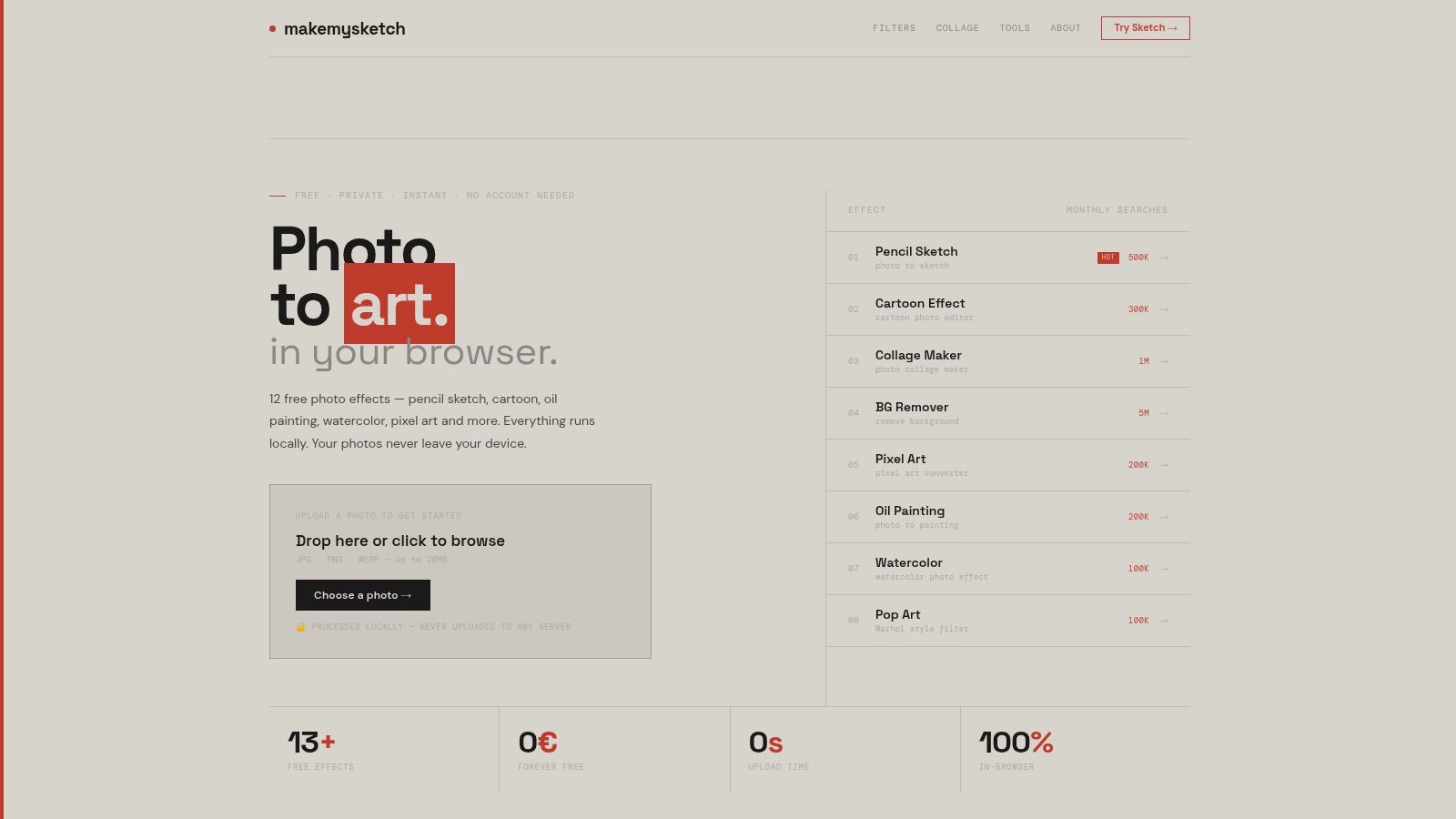
MakeMySketch earns its place for one reason: privacy. Many people searching for a free online cartoonizer are uploading family photos, kids' photos, or personal portraits. They don't always want those images sent to a server.
This tool says it processes images locally in your browser, with no server upload. That is one of the clearest practical differentiators in this whole category.
Why Privacy Changes the Decision
Plenty of free tools are convenient, but “convenient” usually means your photo goes somewhere. If you're converting private images, local processing is a serious advantage even if the style library is smaller.
MakeMySketch also states:
- Watermark-free outputs
- No account required
- Support for JPG, PNG, and WEBP up to 20 MB
- A set of effects including Cartoon, Pixel Art, Watercolor, and Oil Painting
Private family photos don't need the fanciest style engine. They need a workflow you trust.
The Trade-Off
The cost of privacy is usually variety. MakeMySketch doesn't present itself like a giant AI style platform, so don't expect an enormous menu of hyper-specific aesthetics. It's better for straightforward stylization than for hunting a very particular visual identity.
Use MakeMySketch when browser-local processing matters more than having endless AI presets.
6. Clipfly AI Photo to Cartoon Converter
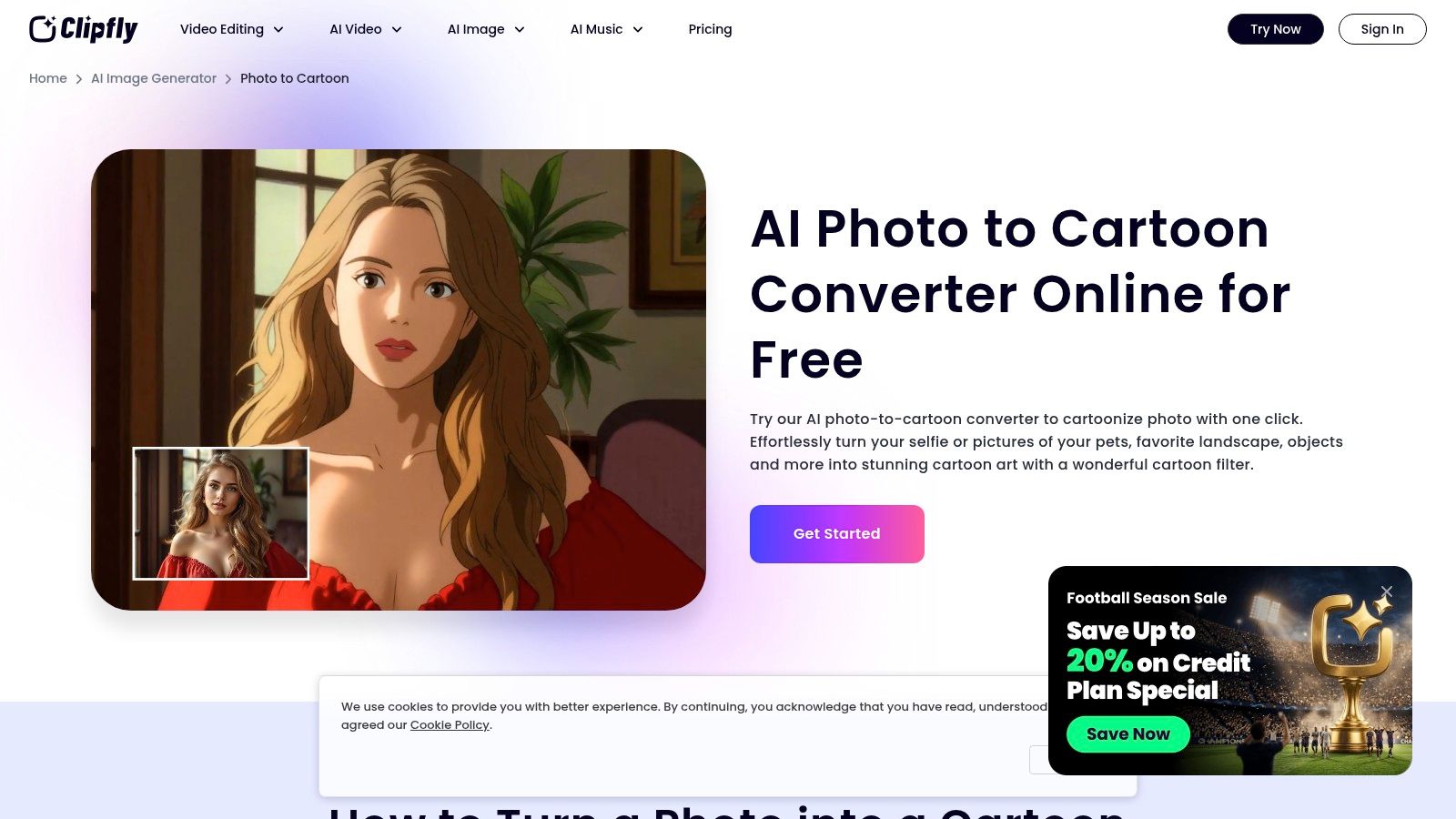
Clipfly is a good example of a modern social-first cartoonizer. It doesn't feel built for illustration purists. It feels built for fast avatar creation, especially if you like the polished 3D cartoon look that's popular on profile images and short-form content.
The standout feature in the planning notes is its 3D Cartoon filter. That makes it more style-specific than some generic cartoon tools.
Best Use Cases
Clipfly is strongest for:
- Profile pictures
- Social thumbnails
- Rendered avatar looks
- Quick creator branding assets
Its workflow is minimal. Upload, choose a style, download. That simplicity is a strength when you don't want to tune a dozen parameters.
If your taste leans more anime than rendered 3D, turning a photo into an anime character can help clarify the aesthetic difference before you pick a tool.
Honest Limitation
This isn't where I'd go for deep control. The attraction is speed, not artistic steering. If you need nuanced edits, multiple revision paths, or a larger creative suite, Clipfly may feel too lightweight.
Use Clipfly's photo to cartoon converter when you want a polished avatar fast and don't need much manual control.
7. Layercy Photo to Cartoon
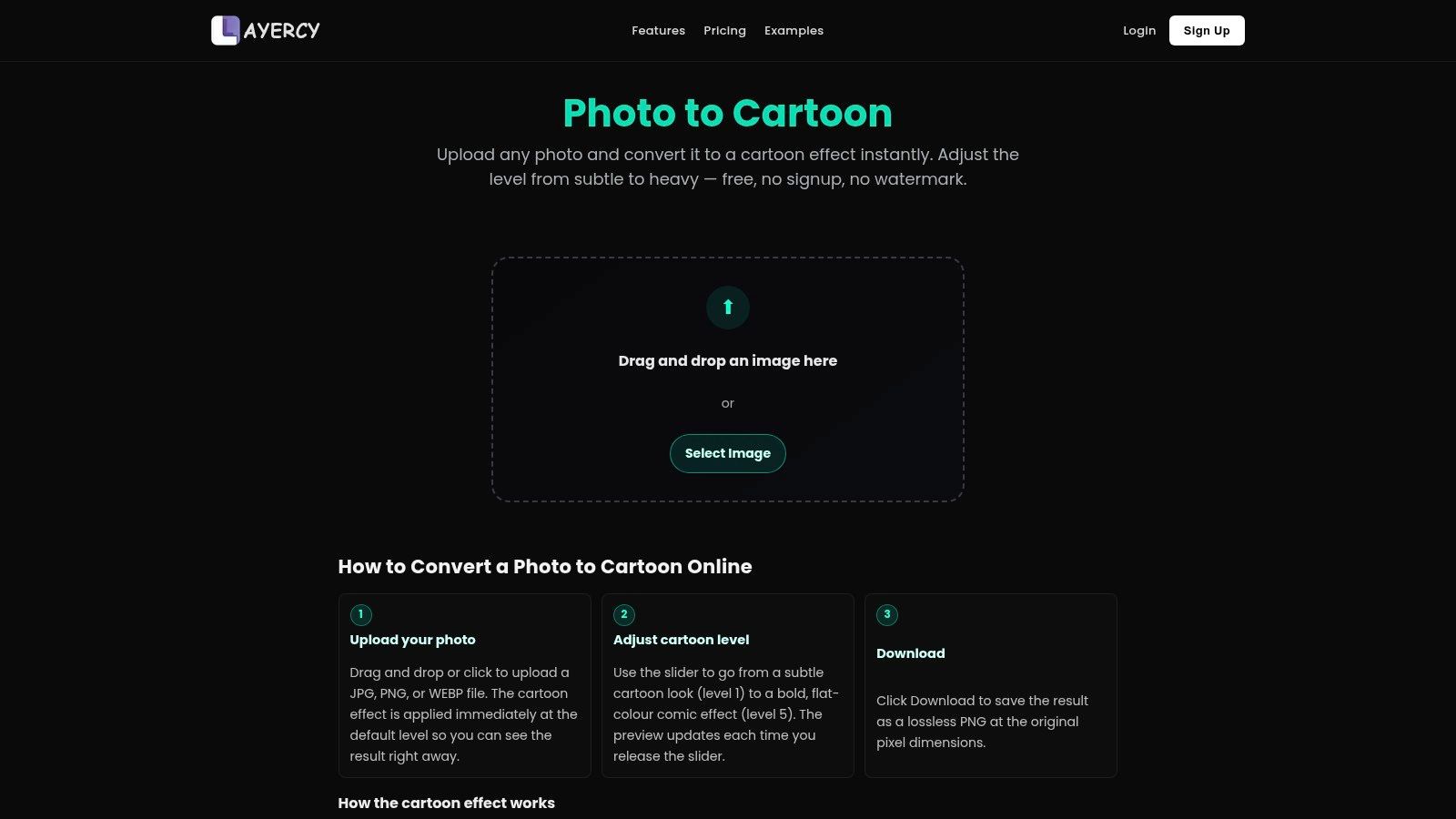
Layercy is a minimalist tool, and that simplicity is useful. Its most practical feature is the adjustable cartoon intensity slider. That gives you a real control many one-click tools skip.
Not every project needs a heavy transformation. Sometimes the best result is only slightly stylized.
Why the Slider Matters
A lot of free cartoonizers force an all-or-nothing look. Layercy gives you a middle ground, which is helpful for portraits where you want cleaner lines and mild stylization without flattening the face into a generic illustration.
That makes it a solid pick for:
- Subtle portrait edits
- Batch processing with a consistent visual level
- Users who want instant previews without sign-up
Where It's Limited
Layercy doesn't appear built around a huge art-style library. If you want anime, noir, watercolor-comic, retro pop, and several other curated aesthetics in one place, it may feel sparse.
Still, for practical users, sparse can be good. Fewer choices often means faster decisions.
Use Layercy when your priority is control over strength rather than a massive style catalog.
8. Pixlane Cartoonize Photo
Pixlane is another privacy-leaning option, and it's one of the better fits for users who want stylized looks without handing over account details. The planning notes describe browser processing, no server upload, no signup, and watermark-free downloads.
That combination speaks directly to two common frustrations: privacy concerns and account friction.
What Makes Pixlane Useful
Pixlane offers multiple stylized looks, including anime and “Hayao” inspired directions. The appeal here is clear. It tries to deliver recognizable stylization while keeping the workflow light and private.
For many users, that's enough:
- Anime-adjacent portrait fun
- Quick gifts
- Private personal use
- One-off social media images
What to Expect
This probably won't replace a larger AI platform if you need broad creative control. It's more targeted than that. You use it because the privacy posture and simple workflow match your project.
The current market has moved strongly toward low-friction browser use, and some tools now treat no sign-up and clean export as baseline expectations rather than premium perks. Image to Cartoon, for example, supports JPG, PNG, and WebP uploads up to 10 MB and offers more than 80 styles, while Canva says its AI Cartoon Generator leaves no watermark, which shows how standard watermark-free export has become in this category (Image to Cartoon market example).
Use Pixlane when privacy and quick stylized portraits matter more than advanced controls.
9. Creoni AI Cartoon Generator
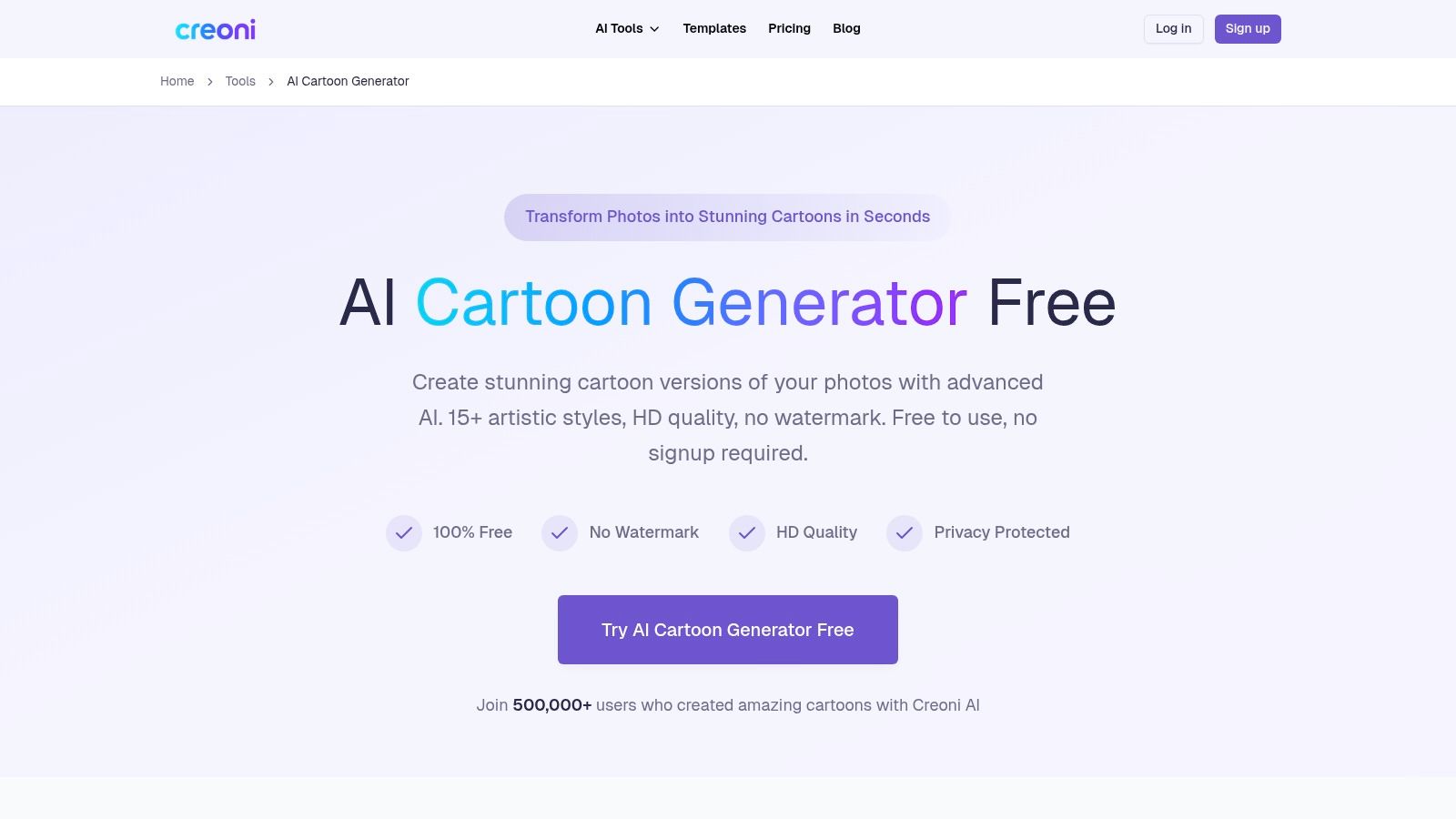
Creoni sits in the middle of this list nicely. It offers a meaningful spread of style presets without making the process look complicated. The planning notes mention more than 15 artistic cartoon styles, including 3D and comic looks, plus no-sign-up access to get started.
That's a practical balance for users who want variety but don't want a full design platform.
Why It's a Strong Generalist
Creoni is easy to recommend for:
- Avatar experiments
- Comic-style profile images
- Social post graphics
- Users testing several modern looks quickly
The no-sign-up angle matters because it keeps the barrier low. That's one reason browser cartoonizers became mainstream in the first place. By the time Canva introduced its AI-powered Cartoonify feature inside its design platform, image transformation was already being normalized as a browser service rather than a desktop editing task, showing how far this category had moved into everyday creative software (Canva's photo-to-cartoon context).
The Main Limitation
Creoni's file support in the planning notes tops out at 10 MB for JPG, PNG, and WEBP. That's fine for everyday web images and phone exports, but larger originals may need resizing first.
Use Creoni AI when you want a broad but accessible style set and a low-friction start.
10. Caricature-Generator Free AI Caricature and Cartoon
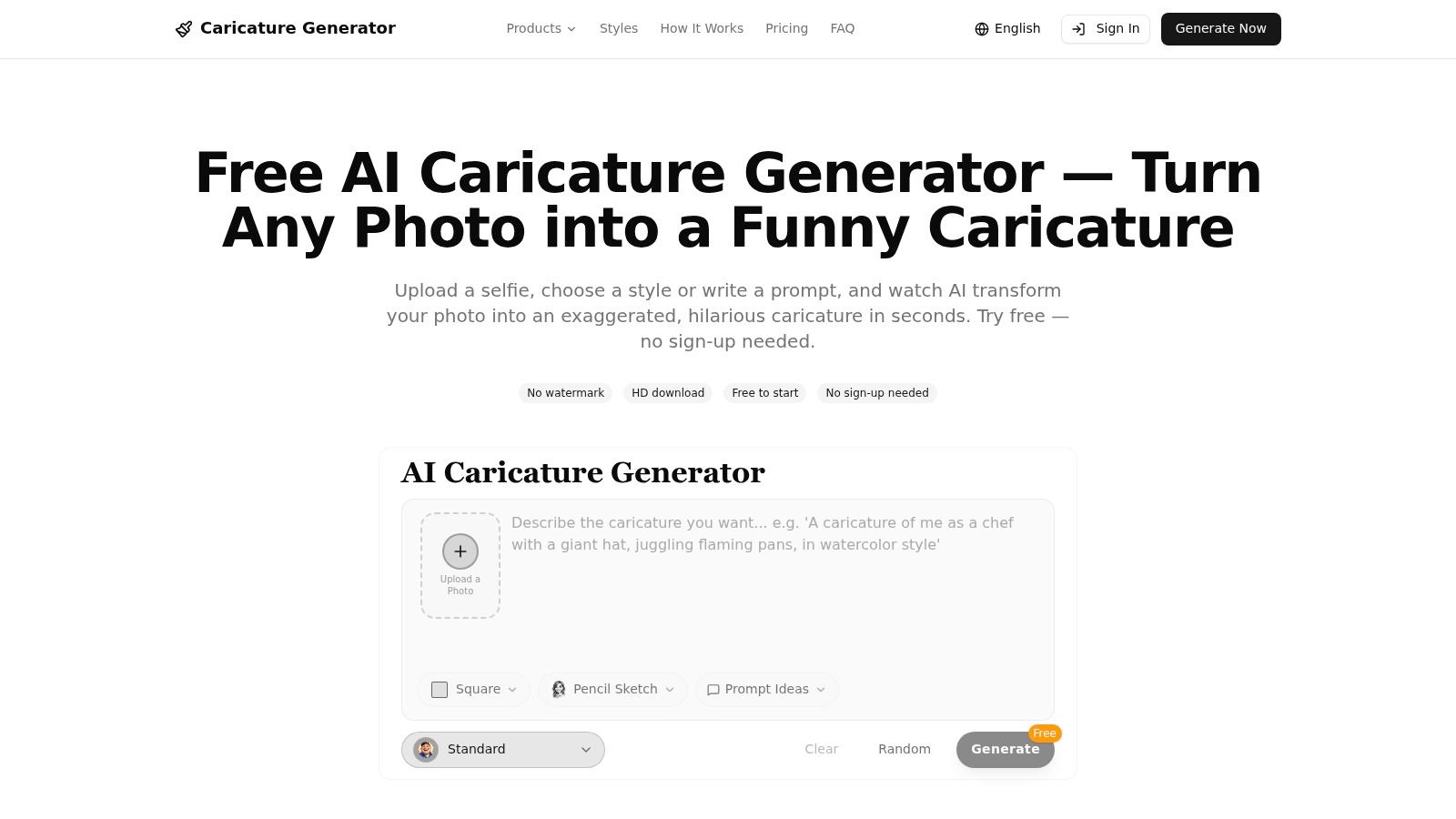
Caricature-Generator is specialized, and that's a good thing if exaggeration is your goal. Too many tools try to be neutral. This one appears to know what it is.
The planning notes highlight preset caricature styles such as pencil sketch, watercolor, and 3D cartoon, plus promptable customization. That gives it a little more personality than a basic one-button filter site.
When It's the Right Choice
Choose this one if the goal is:
- A funny portrait
- An exaggerated social avatar
- A gift image with comic distortion
- A characterful profile picture
The promptable element may also appeal to users who want more steering than a preset alone provides.
A caricature tool is great when exaggeration is the feature. It's disappointing when you expected a flattering cartoon portrait.
When to Skip It
This isn't ideal for subtle or realistic cartoonization. If you want a softened, cleaner version of a real portrait, the exaggerated house style may work against you.
Use Caricature-Generator when you want bold caricature energy and not a restrained cartoon effect.
Top 10 Free Online Photo-to-Cartoon Tools (No Watermark)
| Product | Core features | Styles & customization | Target audience | Pricing & value | Unique selling point |
|---|---|---|---|---|---|
| PersonalizedComics, Recommended | AI end‑to‑end comic generation: full pages, panels, speech bubbles, sound effects | 8 professional art styles; photo→character or AI‑designed heroes; full page layouts | Gift makers, writers, educators, creators, hobbyists, prototyping graphic novels | Free cover preview; digital Comic $19.99; printed Keepsake edition $39.99 with free US shipping; print‑on‑demand | Print‑ready, cinematic comics in minutes + premium physical comics |
| MyEdit (CyberLink) | Browser one‑click cartoonizer, guided workflows, HD downloads | Multiple AI cartoon filters for people, pets, scenes | Casual users, quick avatar/cartoon edits | Free daily credits to try; may require upgrade for heavy use; HD no watermark | Backed by CyberLink brand with clear guidance |
| LunaPic | Full web editor with cartoon & sketch effects and editing tools | Several cartoon/sketch filters plus broad effect library | Experimenters, free users, quick conversions | Completely free, no account required | Large library of effects and full editor toolset |
| Wish2Be | Template‑based caricature/avatar builder with themed bodies/backgrounds | Caricature and cartoon templates, props and scenes | Fun avatar creators, social posts, themed gifts | Free exports, no watermark, no ads | Easy themed compositions and avatar scenes |
| MakeMySketch | Local/on‑device processing (privacy‑centric), instant effects | 12+ effects incl. Cartoon, Watercolor, Oil, Pixel Art | Privacy‑focused users, quick local edits | Free, no upload, no watermark | Processes images locally in browser, no server uploads |
| Clipfly | AI photo→cartoon with modern filters and HD export | Includes '3D Cartoon' and other rendered styles | Social avatar creators, modern stylized outputs | HD exports, no watermark advertised; file limits may apply | Modern 3D‑rendered cartoon look for profiles/posts |
| Layercy | Fast converter with adjustable cartoon strength and instant preview | Adjustable intensity slider from subtle→heavy | Batch edits, quick portrait adjustments, non‑technical users | Free, no signup, watermark‑free | Simple controls for consistent, speedy conversions |
| Pixlane | Browser processing with anime/Hayao styles; privacy focus | Anime, Hayao‑inspired looks; limited style set | Anime fans, privacy‑minded users | Free, no signup, no server upload | Anime‑focused styles plus on‑device/browser privacy |
| Creoni AI | AI cartoon generator with many presets, fast processing | 15+ presets including 3D and comic looks | Social creators wanting variety and HD results | Free to start; supports common formats; 10 MB file limit | Wide preset variety and HD, no‑watermark outputs |
| Caricature‑Generator | Purpose‑built caricature engine with promptable options | Pencil sketch, watercolor, 3D caricature presets | Users seeking exaggerated, humorous portraits | Free start, HD downloads, no signup required | Focused on distinct caricature aesthetics and quick results |
Final Thoughts
A free cartoonizer works well only when it matches the job.
For a quick profile image or social post, speed usually matters more than fine control. Clipfly, Layercy, and Creoni are practical picks for that kind of use. They get you from photo to stylized output fast, but the trade-off is consistency. If you run the same subject through several images, faces, colors, and line treatment may shift more than you want.
Privacy changes the decision. If the image includes children, family photos, or anything you would rather not send to a third-party server, MakeMySketch and Pixlane deserve extra attention. Their more limited style range is a fair exchange for a workflow that keeps processing in the browser or avoids extra account friction.
Humor is its own category. Wish2Be and Caricature-Generator work better for party invites, gag gifts, and exaggerated portraits because they commit to distortion instead of trying to preserve every facial detail. That makes them less useful for polished brand art, but more fun for playful personal projects.
LunaPic and MyEdit solve different problems. LunaPic suits users who like to test effects manually and do not mind an older interface. MyEdit is easier for beginners who want guided results with less trial and error.
PersonalizedComics stands apart for a different reason. It goes beyond a single converted image and supports character-based comic pages, dialogue, layouts, and print-oriented output. That matters for teachers, gift makers, and anyone building a story instead of a one-off avatar.
The practical rule is simple. Choose for the final use case first, then check privacy, export limits, and style control. That will save more time than chasing the tool with the flashiest demo.
If you want more than a one-off cartoon portrait, try PersonalizedComics. It turns photos and ideas into full comic pages with recognizable characters, dialogue, and finished layouts, and new users get a free preview comic to test the workflow before committing to a bigger project.
Filed under Making Your Comic